
 Subject Reference
People & Everyday Life
A Quiet Reading Moment
A girl with curly brown hair sitting cross-legged on a mustard cushion, reading an open blue book, full body, gentle expression, isolated on white with space around her.
Describe your idea, choose a visual style and create an illustration. Edit the result and download your image when daily generation capacity is available.
Choose an example or describe something of your own.
Try a starting point below, or describe your own idea.
Ready for an ideaCatalog pictures show the subjects. Your new image will be different. Browse All 48 Ideas

Refine and download your own result. Variations use one additional generation.
Your recent results will appear here.
Up to 12 results · saved for 7 days in this browser. Download a project to keep it longer.
Prompt assistance: Built with Llama . Local edits use no generation quota.
Try one of these 48 ideas, then change the colors, details or style. The full description goes into the box above.
Each picture is a catalog reference for the subject. The written idea guides your new image; it does not reproduce the reference.
Subject Reference A girl with curly brown hair sitting cross-legged on a mustard cushion, reading an open blue book, full body, gentle expression, isolated on white with space around her.
 Subject Reference
One arching green fern frond with delicate individual leaflets and a gently curved stem, botanical detail, isolated on a plain white background.
 Subject Reference
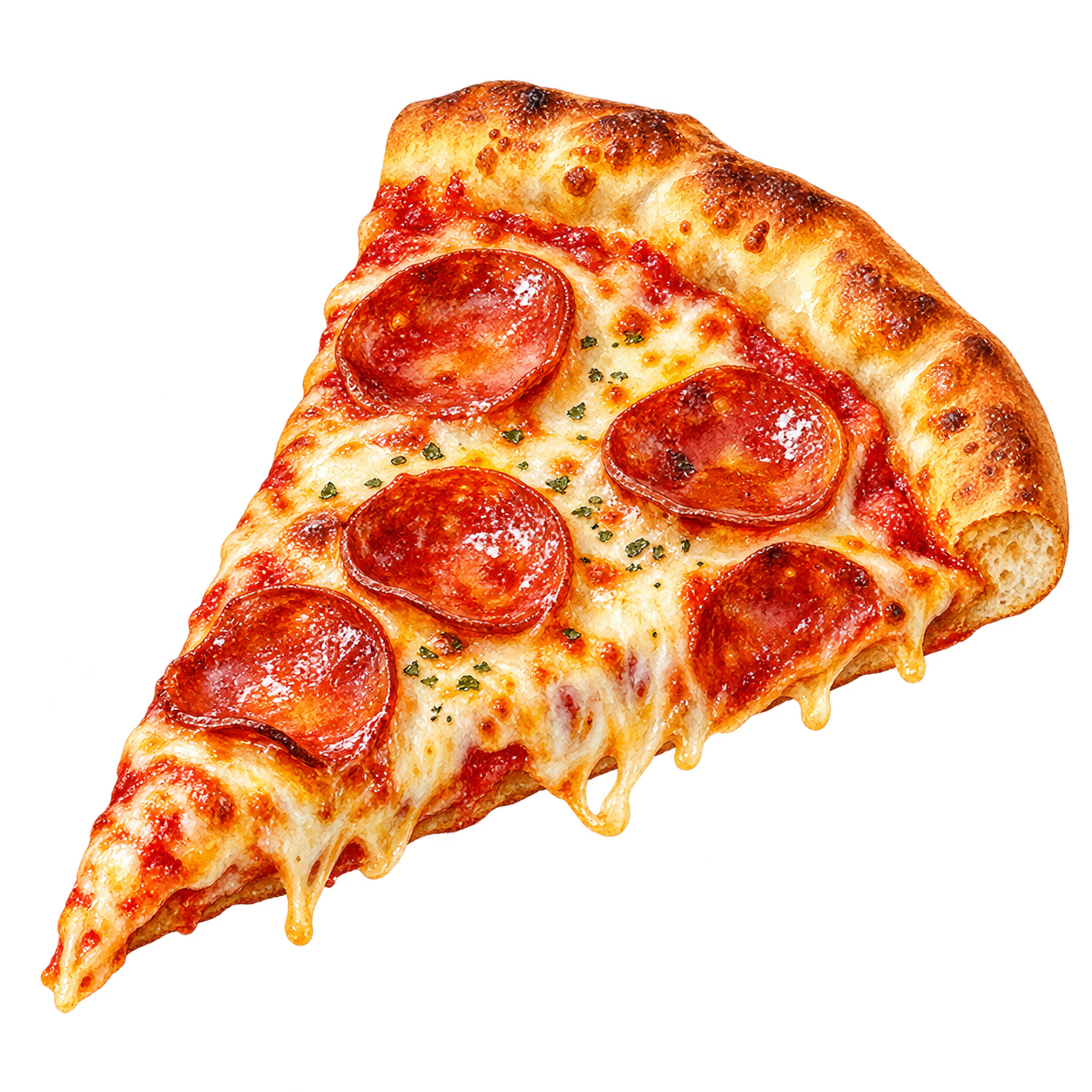
One triangular slice of pepperoni pizza with a golden crust, melted cheese and a small basil leaf, viewed at a slight angle, isolated on white.
 Subject Reference
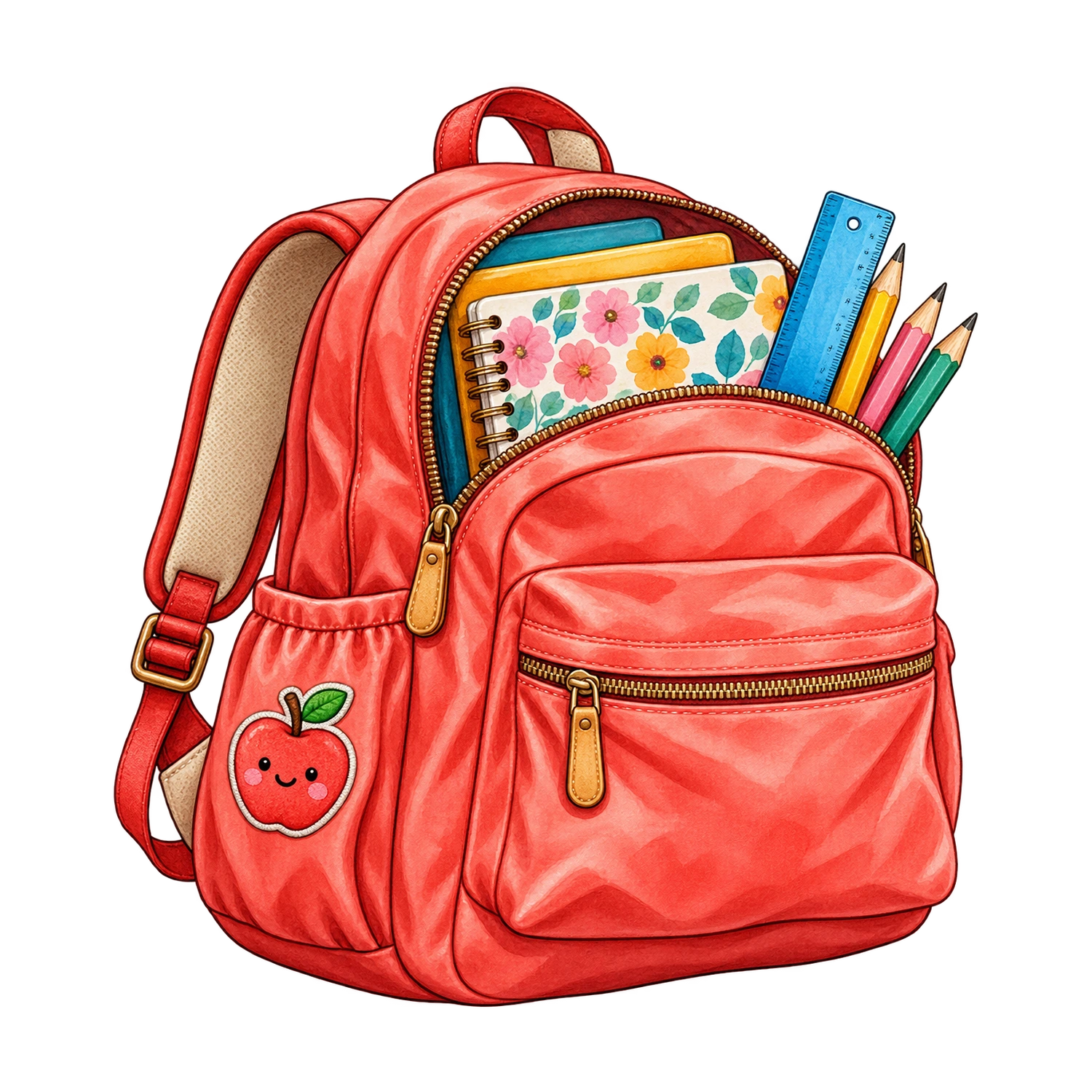
A blue school backpack with colored pencils and a red notebook peeking out, one small apple beside it, clean simple shapes, no words, isolated on white.
 Subject Reference
A bunch of five heart-shaped balloons in pink, red and cream, thin strings tied in a bow, fully visible with white space around them.
 Subject Reference
A woven straw sunhat with a navy ribbon beside a pair of round sunglasses, three-quarter view, fine straw texture, plain white background.
 Subject Reference
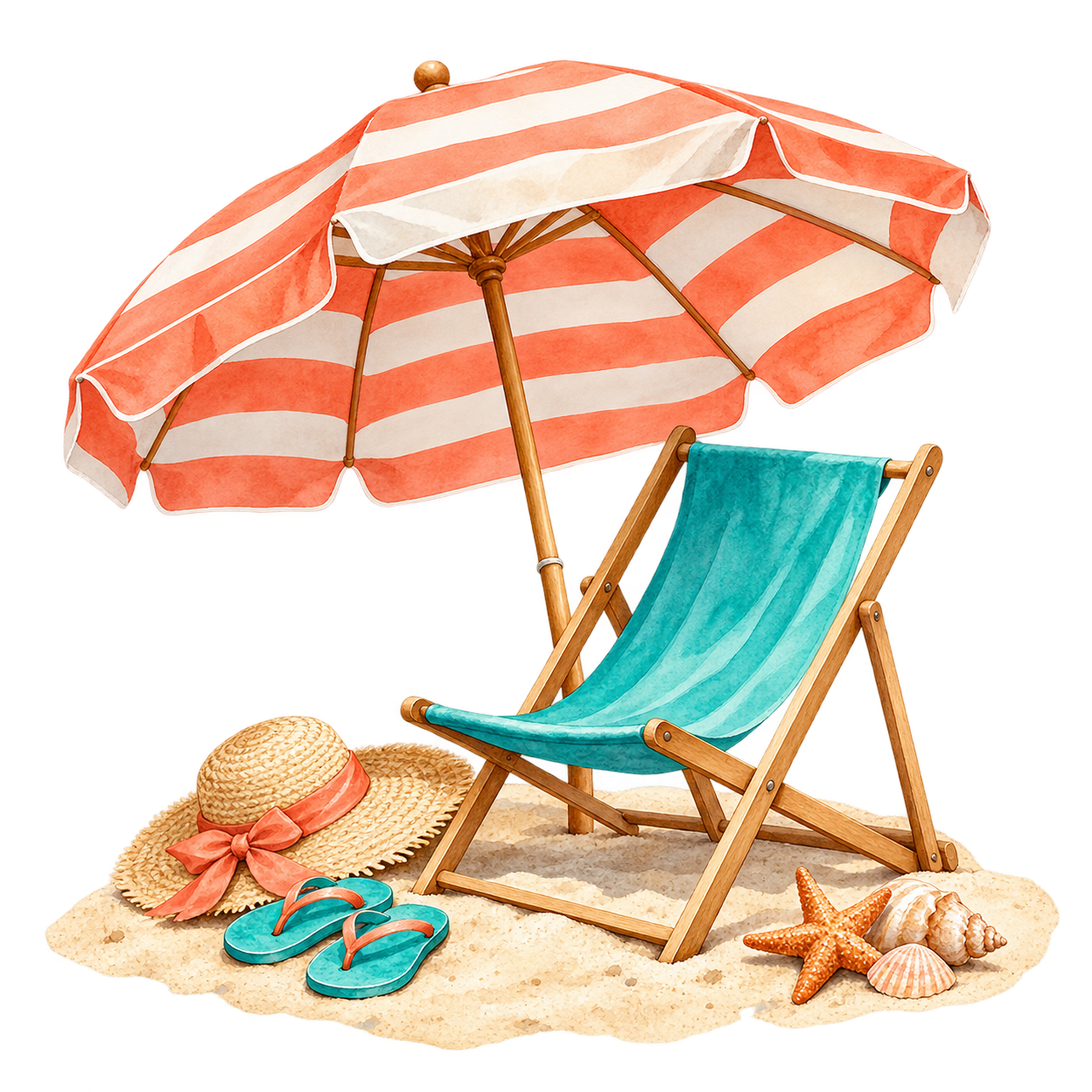
A striped blue beach umbrella shading one wooden deck chair, a tiny patch of sand and two seashells beneath, self-contained vignette on white.
 Subject Reference
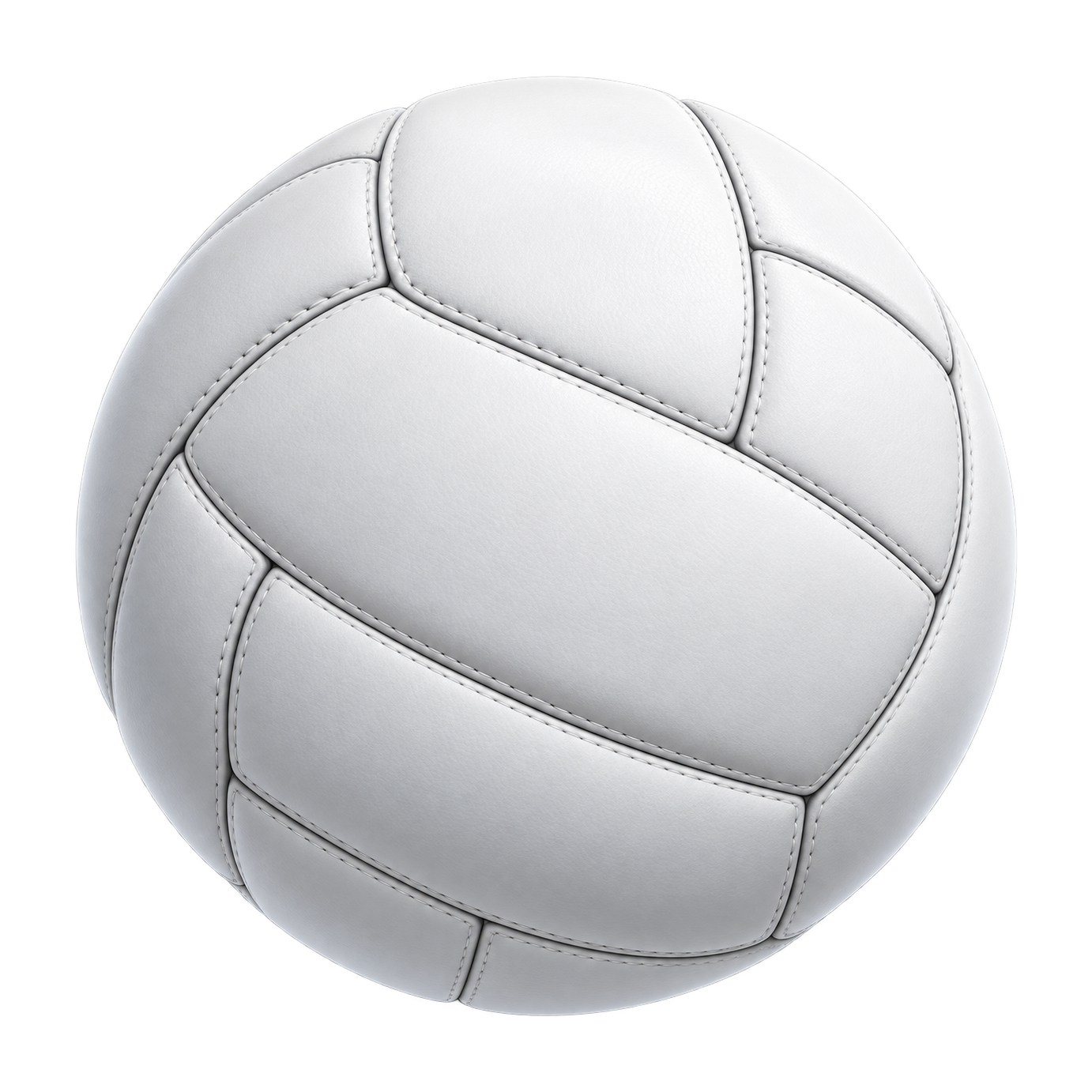
One white volleyball with curved stitched panels and soft gray shading, centered with generous white space, no brand marks.
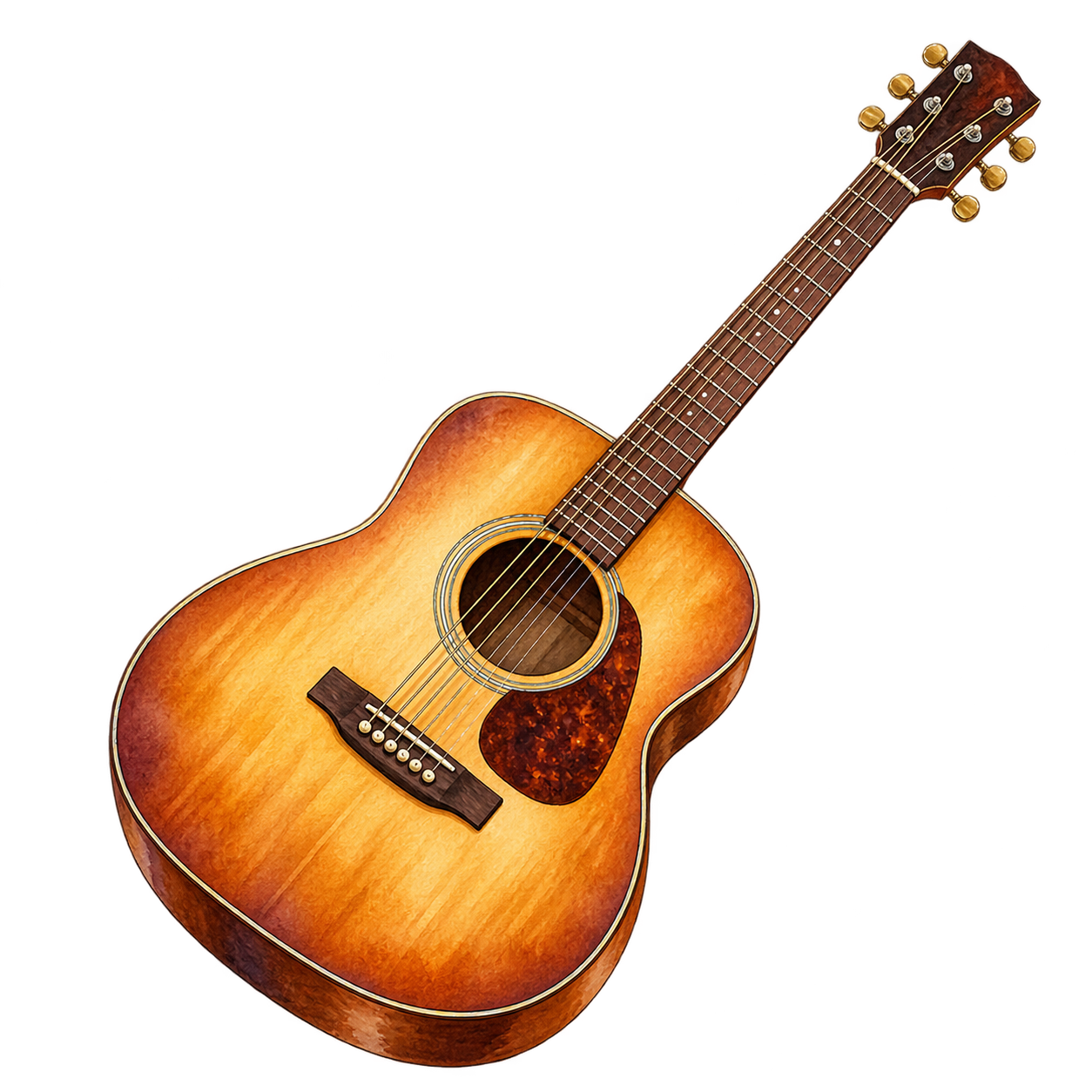 Subject Reference
A honey-brown acoustic guitar with six strings, a visible sound hole and simple wooden grain, upright at a slight angle, isolated on white, no brand marks.
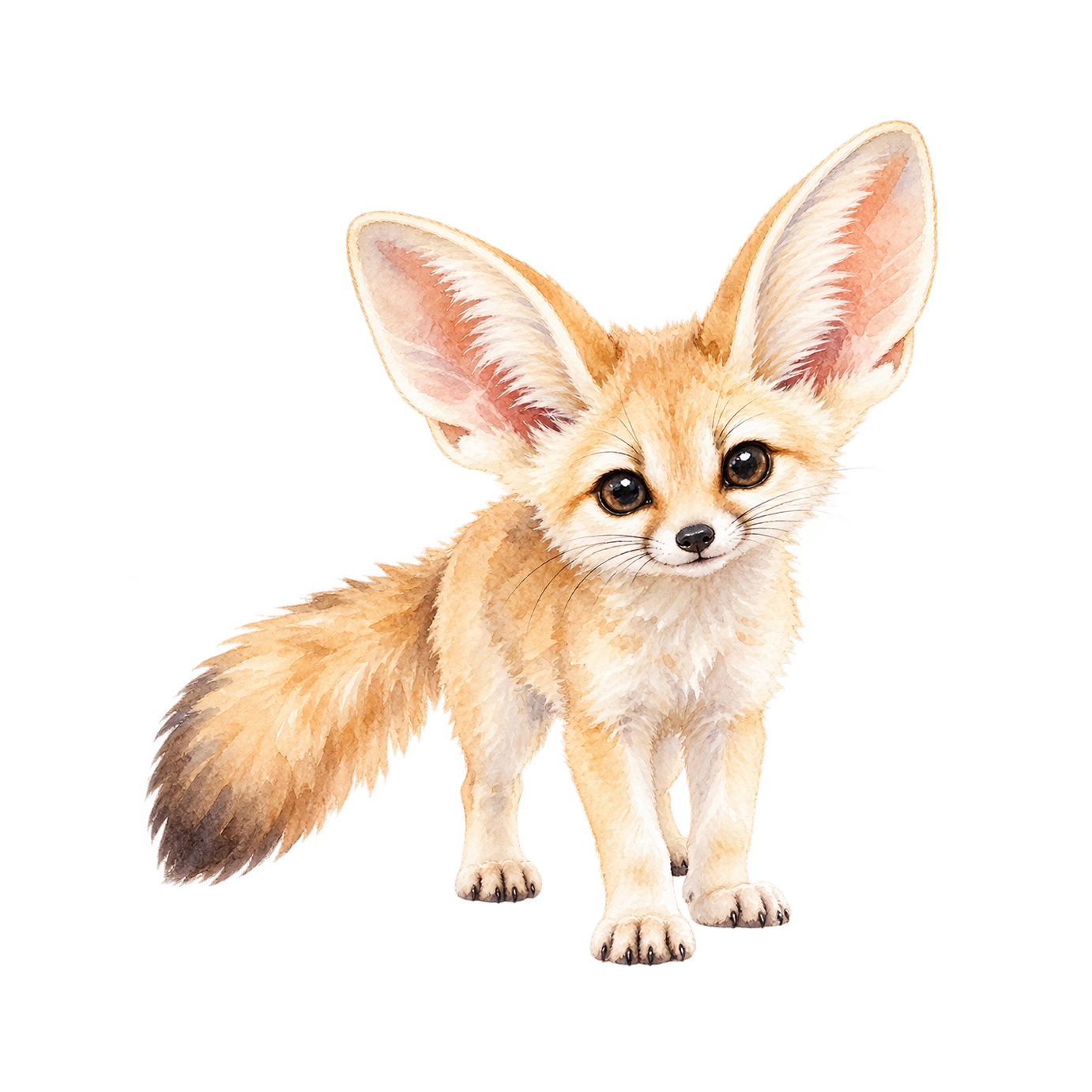 Subject Reference
A baby fennec fox with oversized ears, sandy fur and bright dark eyes, sitting upright with its tail curled around its feet, full body on white.
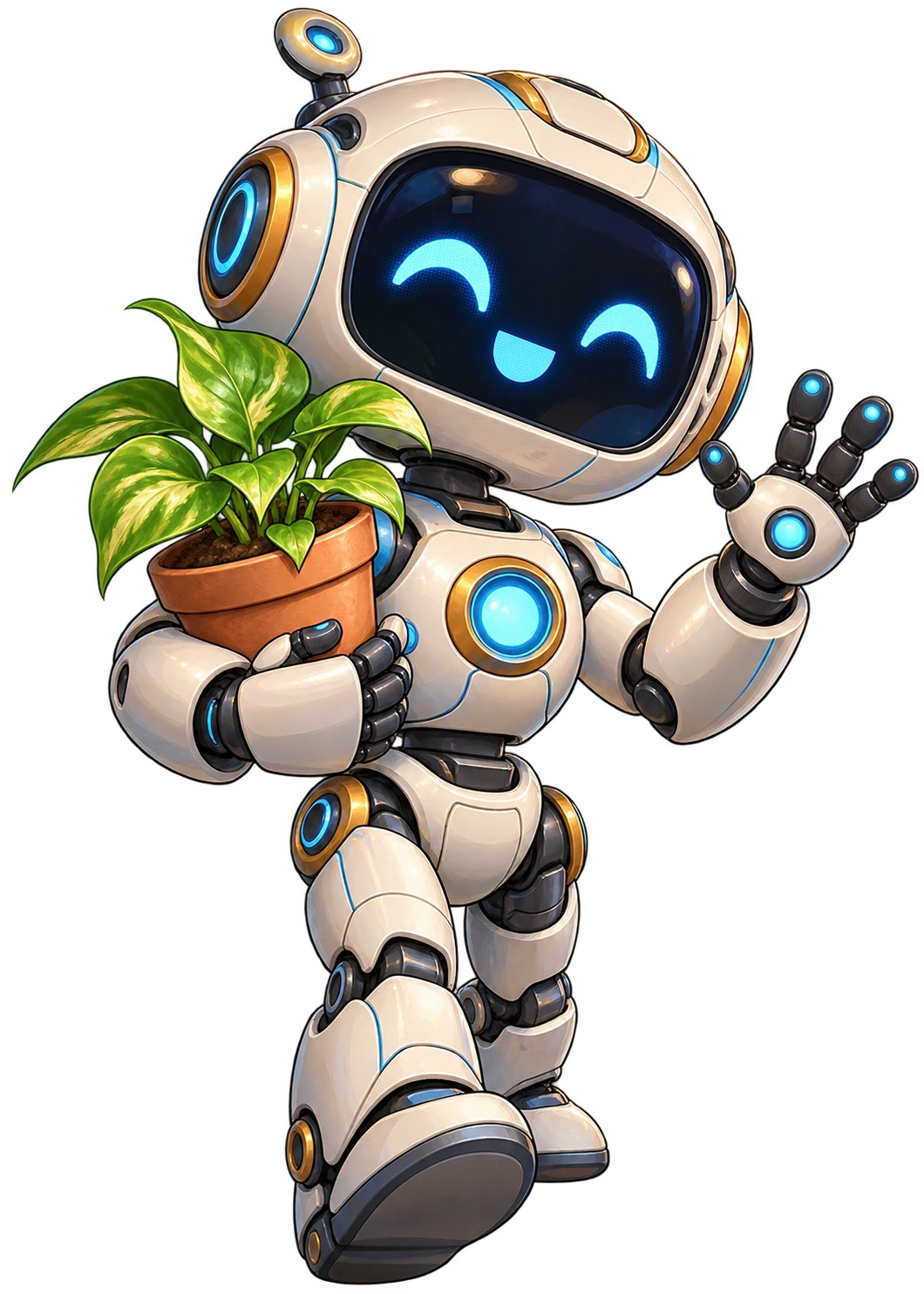 Subject Reference
An imaginary friendly little robot holding a terracotta pot with a green seedling, rounded blue and orange parts, full body, no logos, isolated on white.
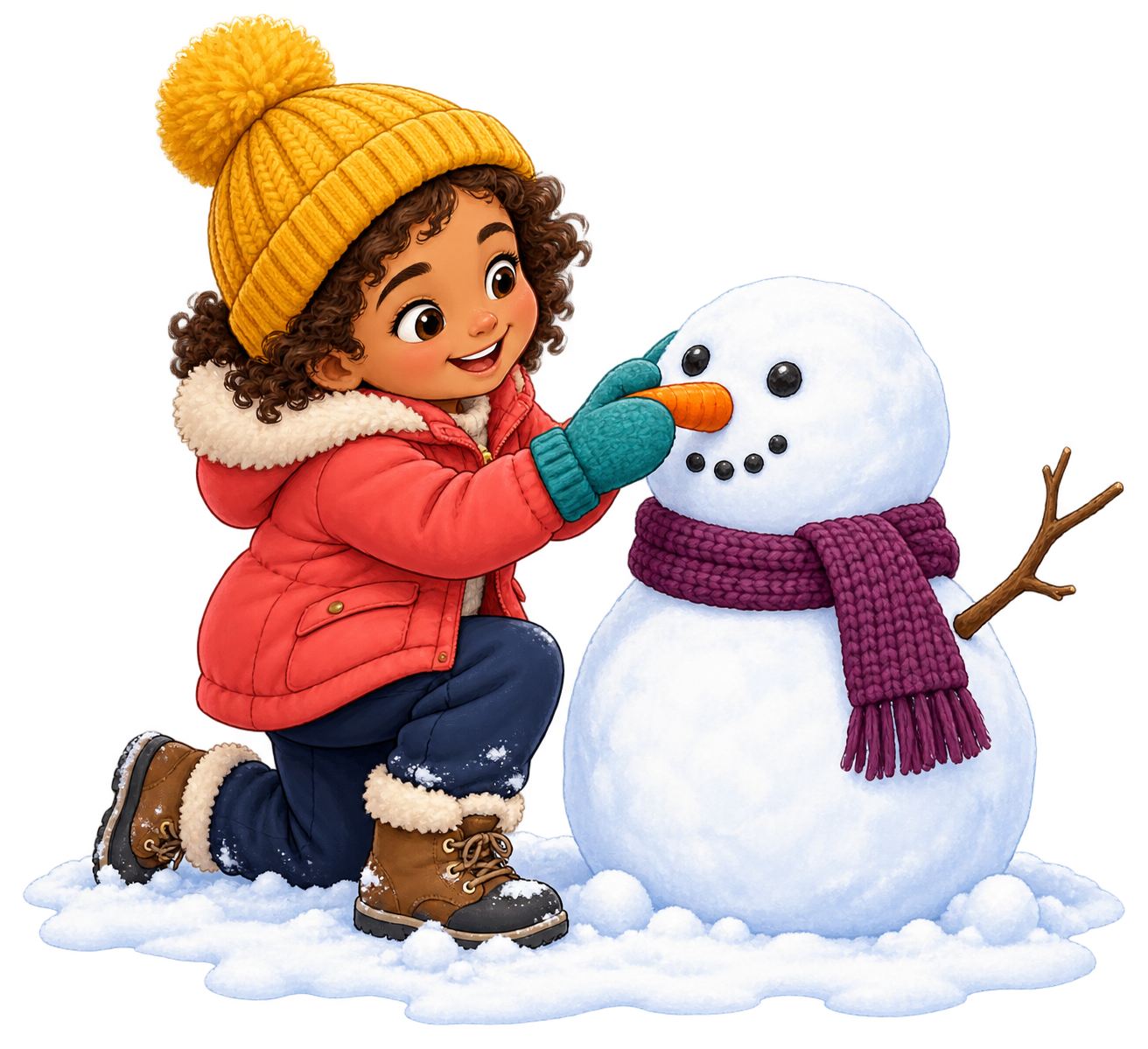 Subject Reference
A child in a blue coat placing a red scarf around a snowman with a carrot nose, small snowy base, full figures, no lettering, isolated on white.
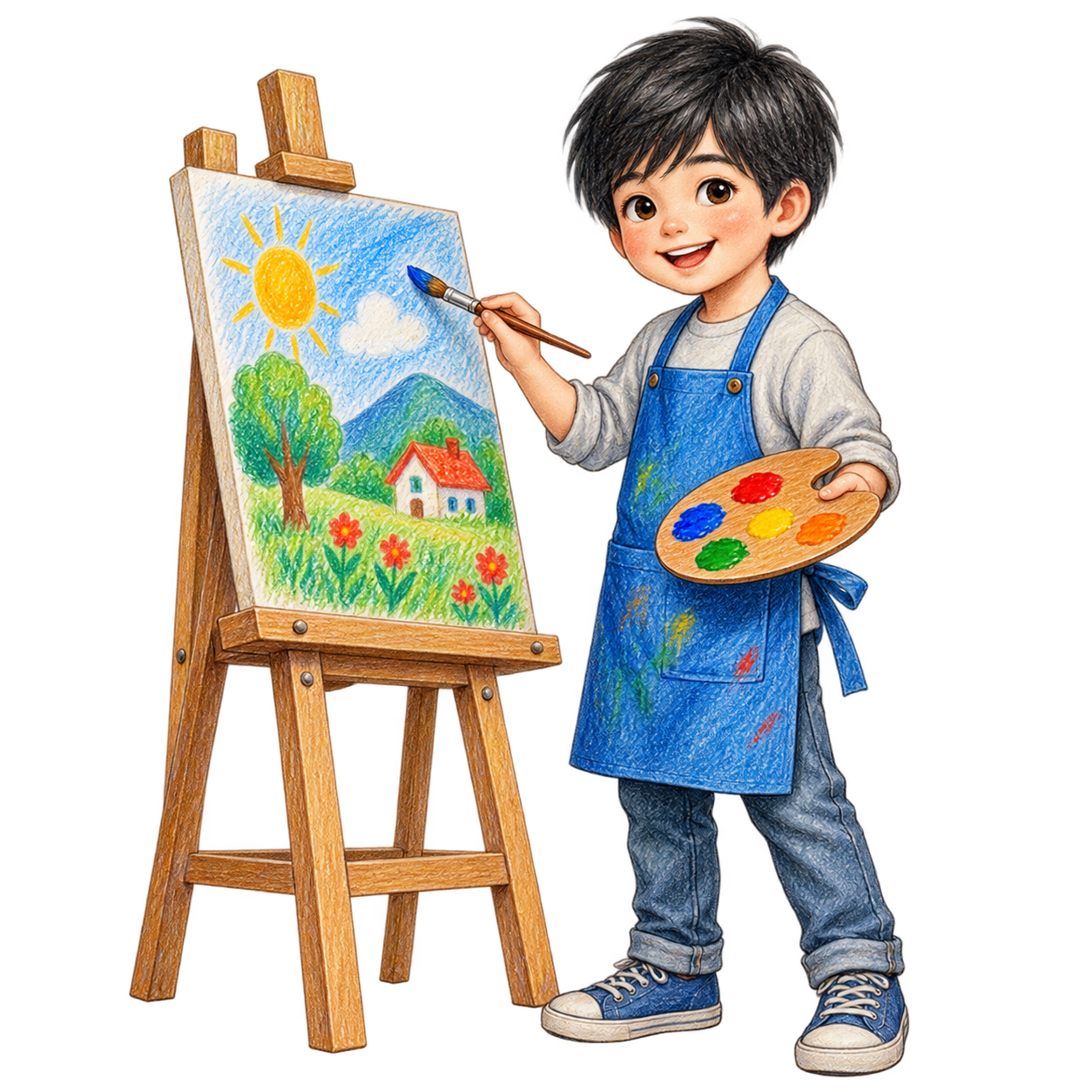 Subject Reference
A boy in a blue apron painting a bright sunflower at a wooden easel, holding one paintbrush, full body, simple white background.
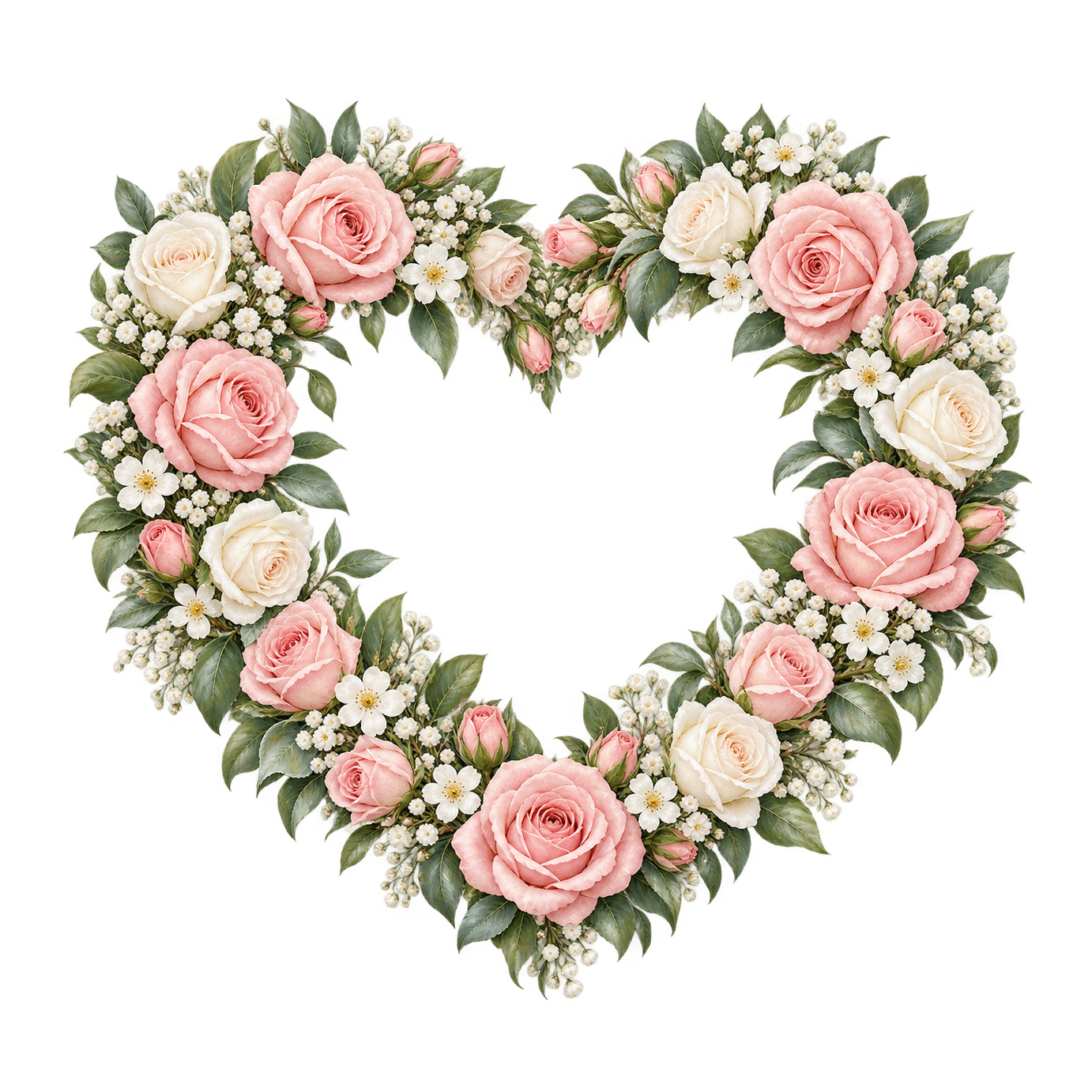 Subject Reference
A heart-shaped wreath of blush roses, small white blossoms and sage leaves, open space in the center, no lettering, fully visible on white.
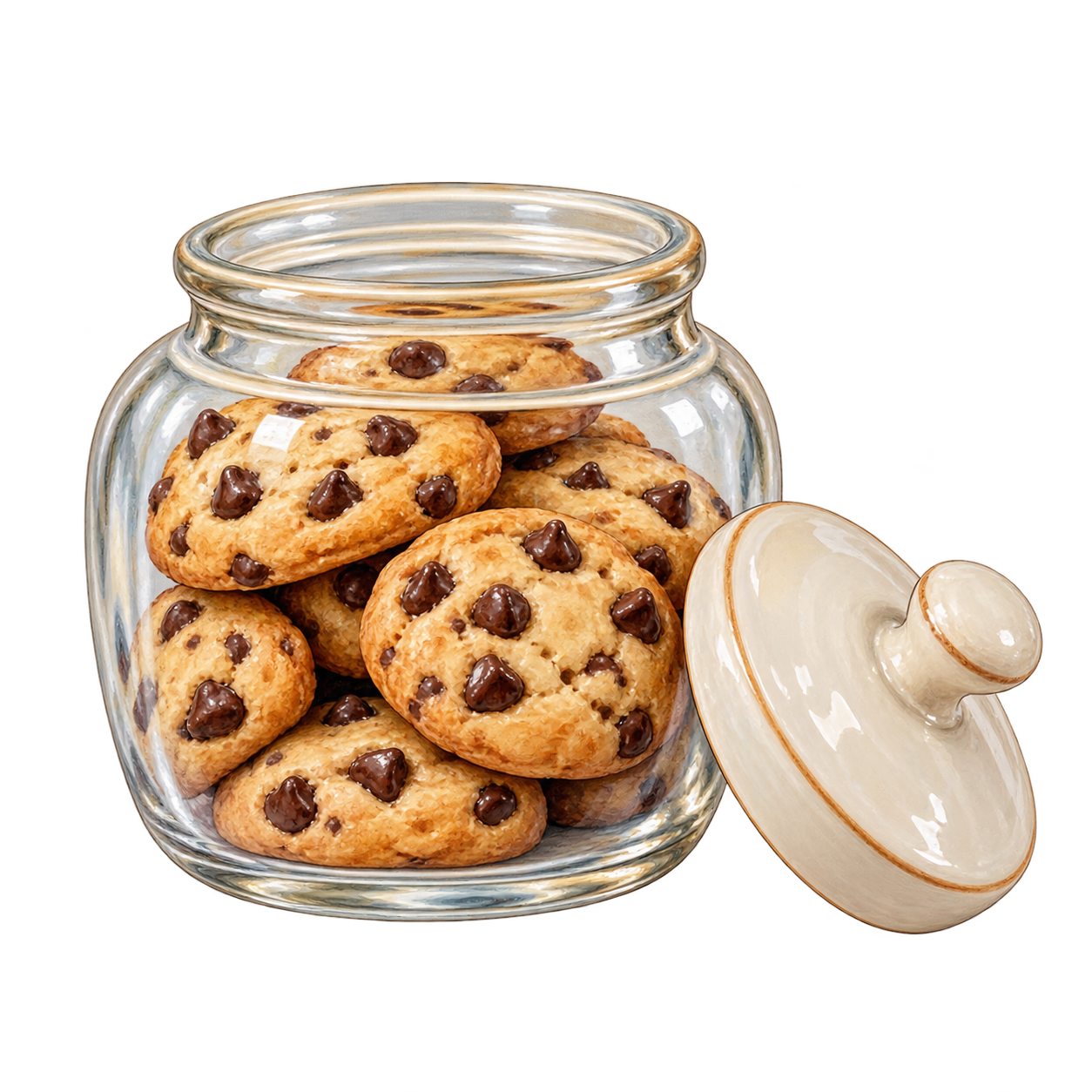 Subject Reference
An open glass jar filled with chocolate-chip cookies, two cookies resting beside it, warm brown tones, no label or lettering, centered on white.
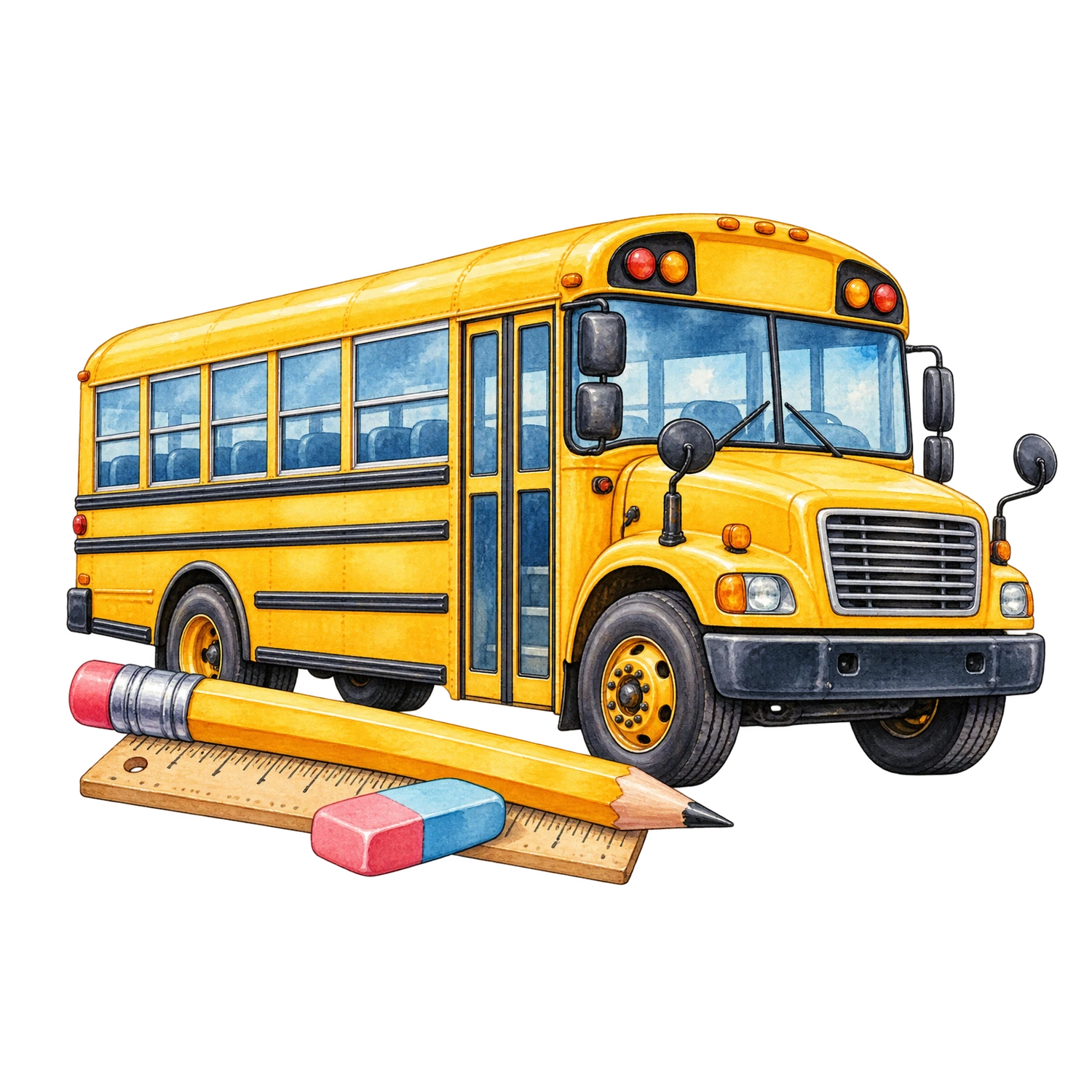 Subject Reference
A yellow school bus viewed from the side, clear windows and two visible wheels, friendly rounded proportions, no logos or lettering, centered on white.
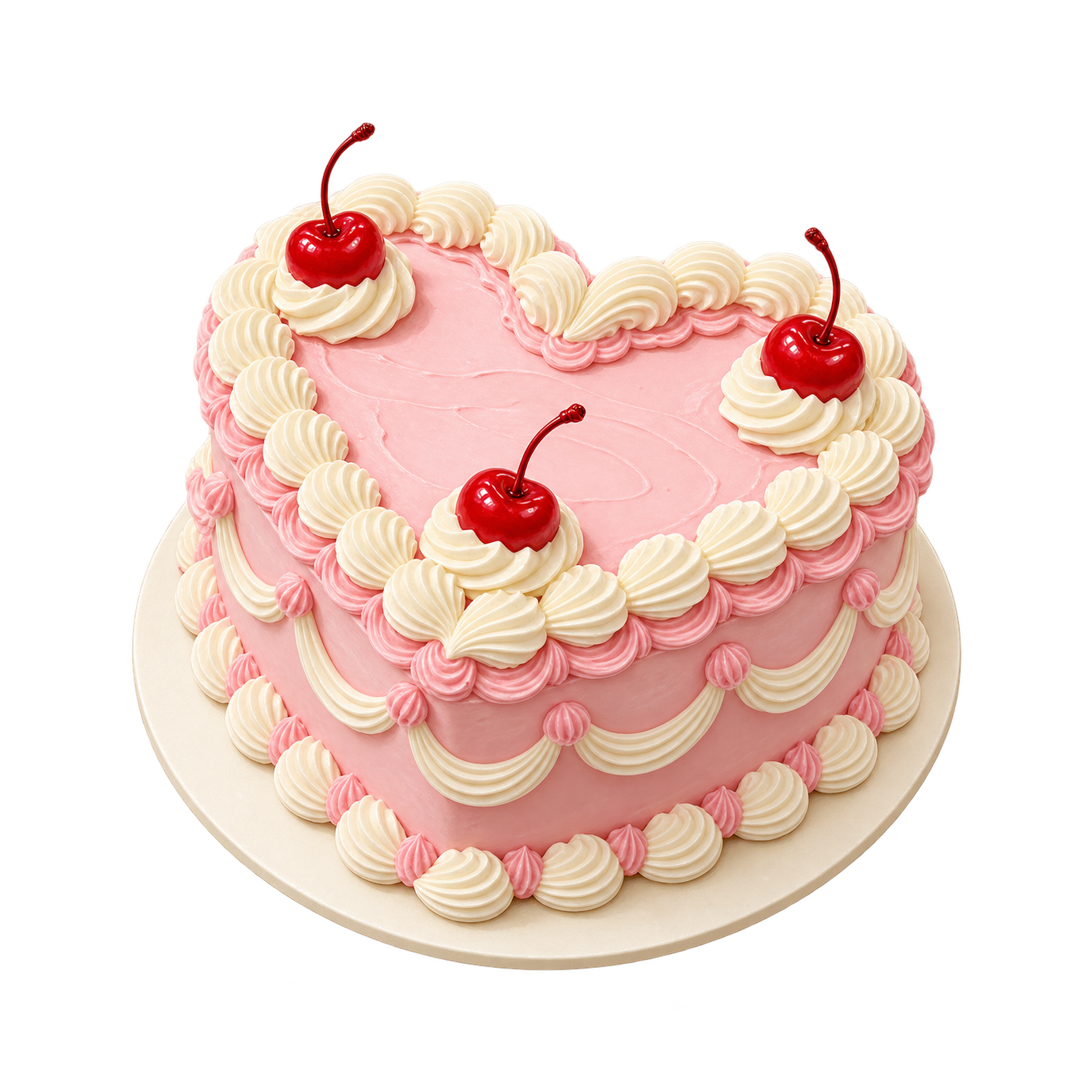 Subject Reference
A small heart-shaped cake with pale pink frosting, piped cream and three strawberries on top, a white plate, no lettering, isolated on white.
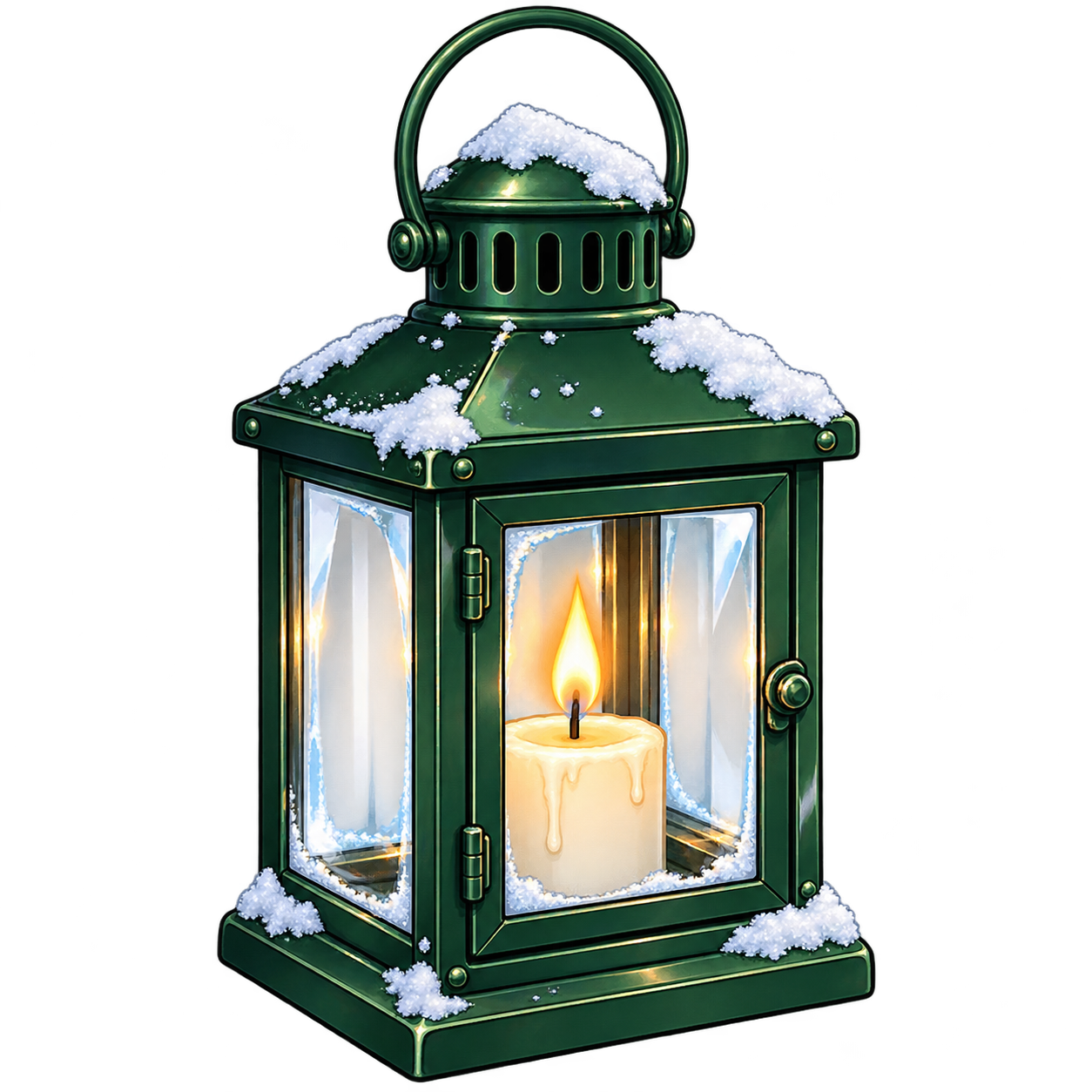 Subject Reference
A small brass lantern with a warm candle inside, curved carrying handle and clear glass panels, complete object on a plain white background.
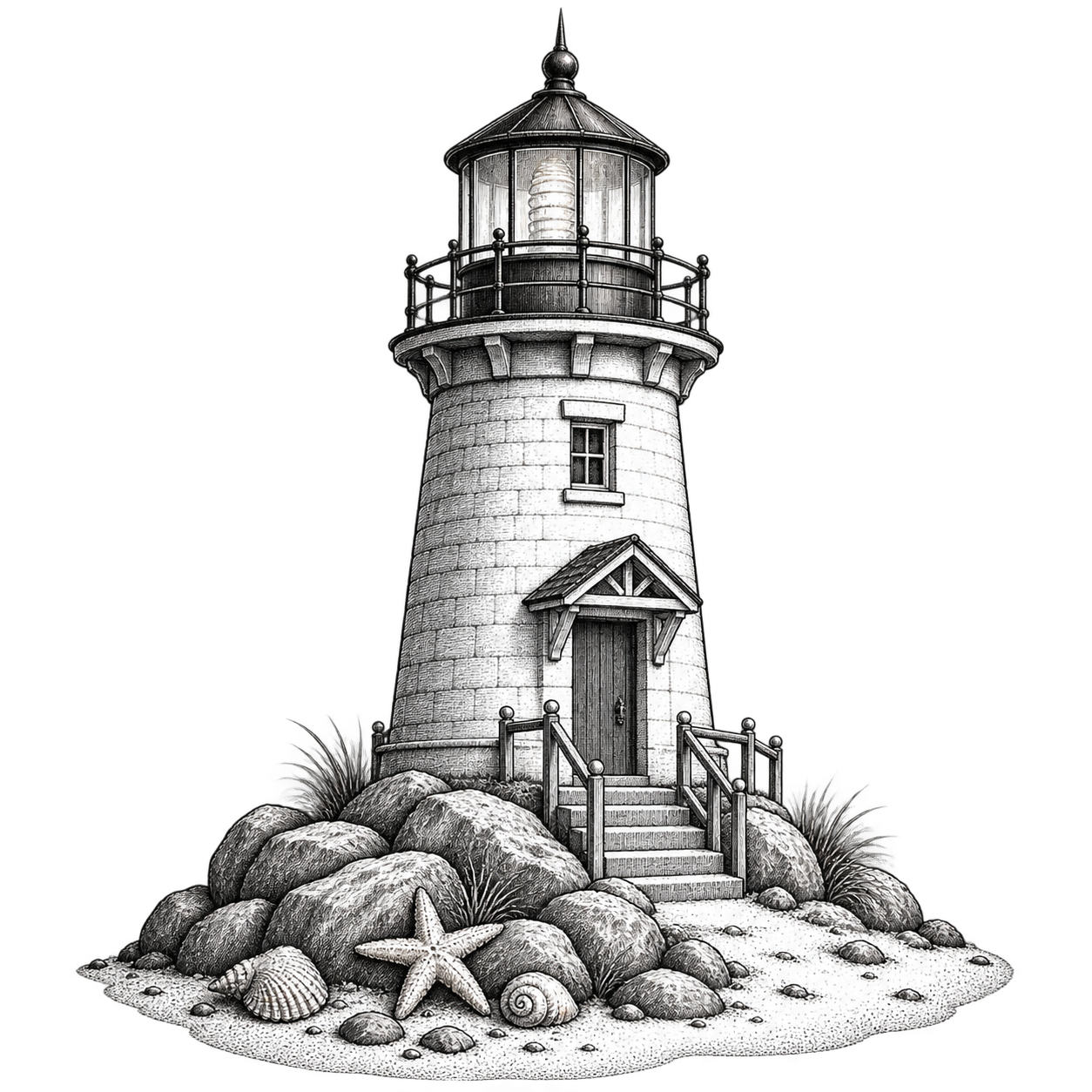 Subject Reference
A small lighthouse on a rocky coastal base, one curved ocean wave below, fine black ink lines, no lettering, fully contained on white.
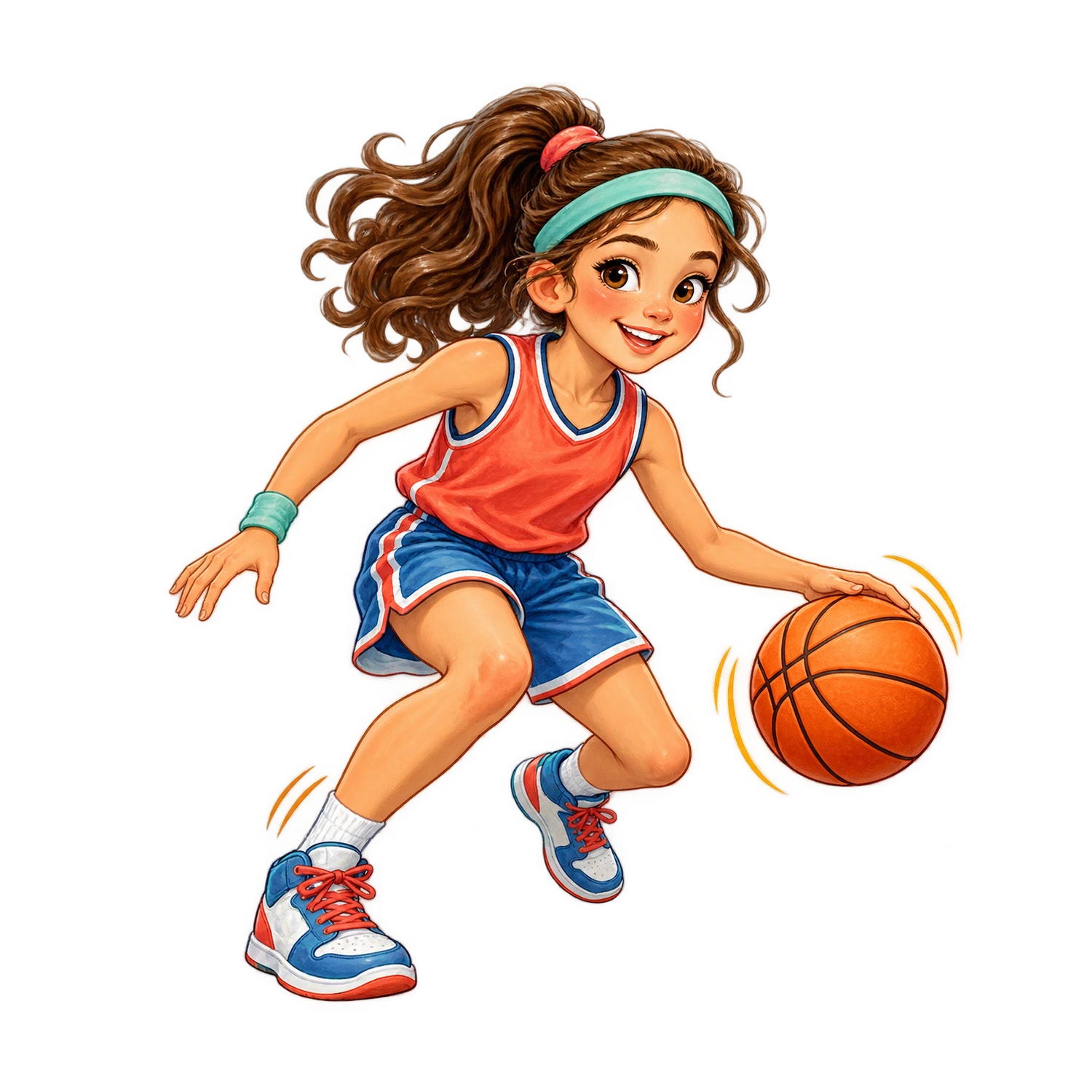 Subject Reference
A girl in a plain blue sports uniform dribbling an orange basketball, active full-body pose, both shoes visible, no numbers or logos, white background.
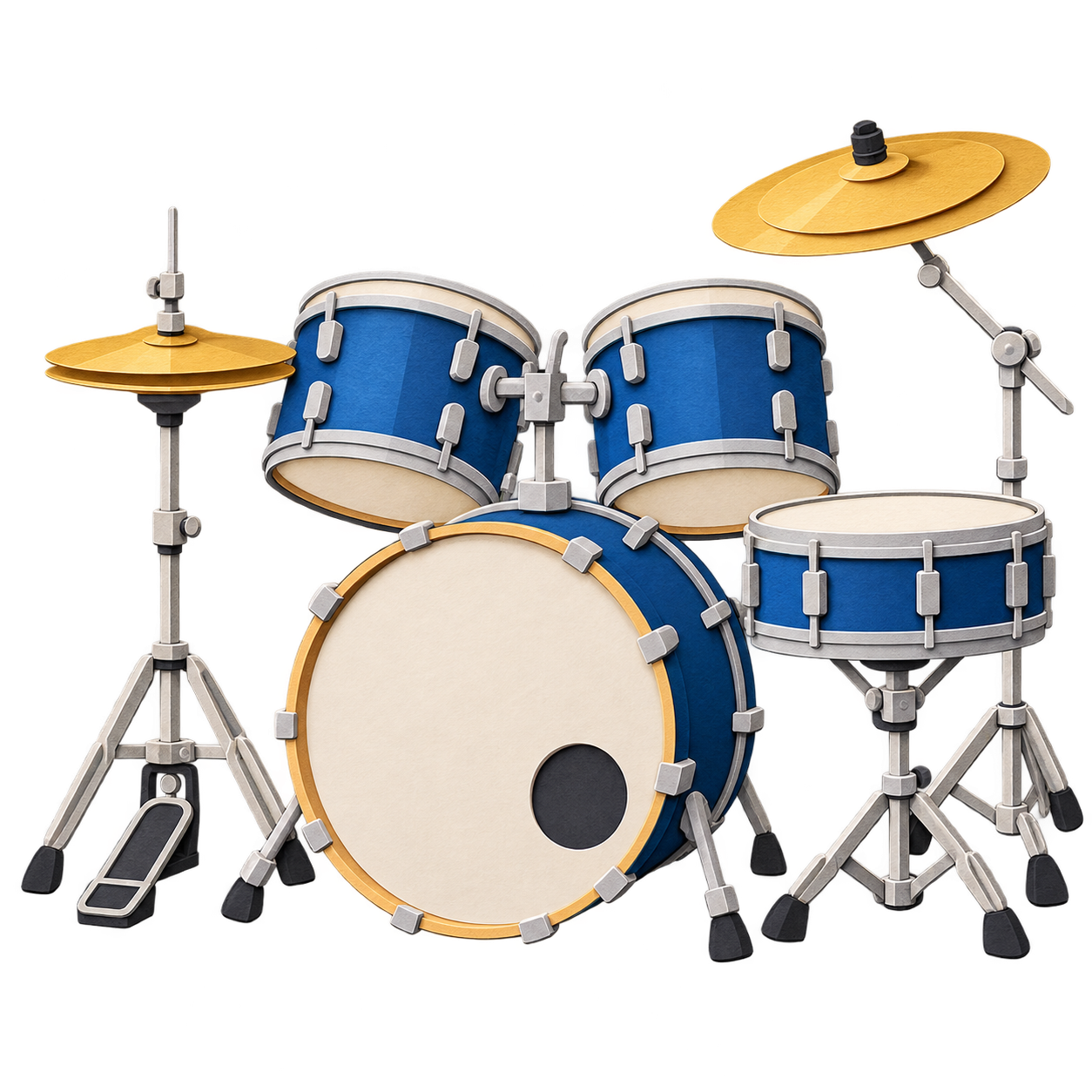 Subject Reference
A compact red drum kit with a bass drum, snare, two toms and one cymbal, layered paper shapes, no logos, fully visible on white.
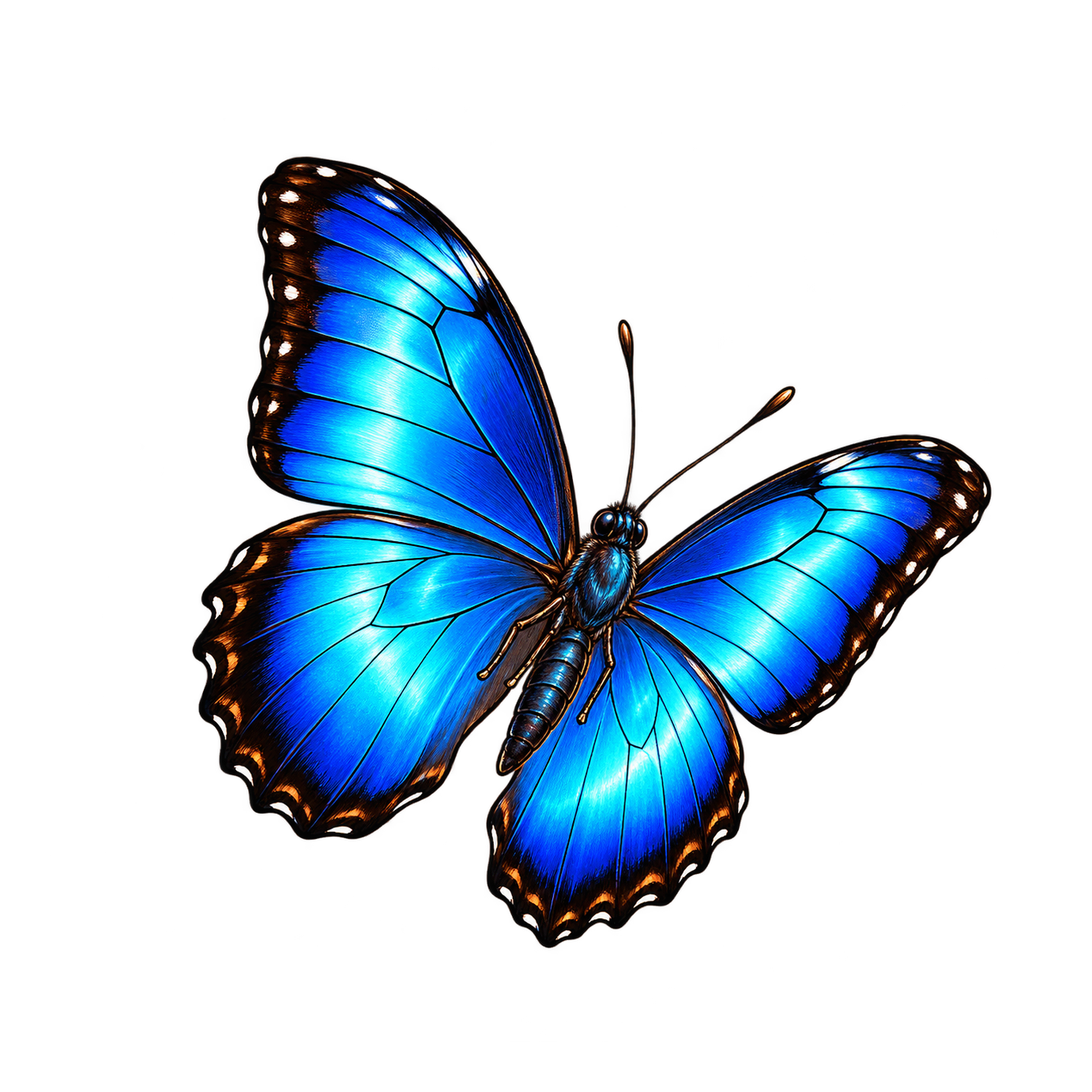 Subject Reference
One blue butterfly with open wings, dark edges and fine symmetrical markings, top-down view, delicate texture, isolated on white.
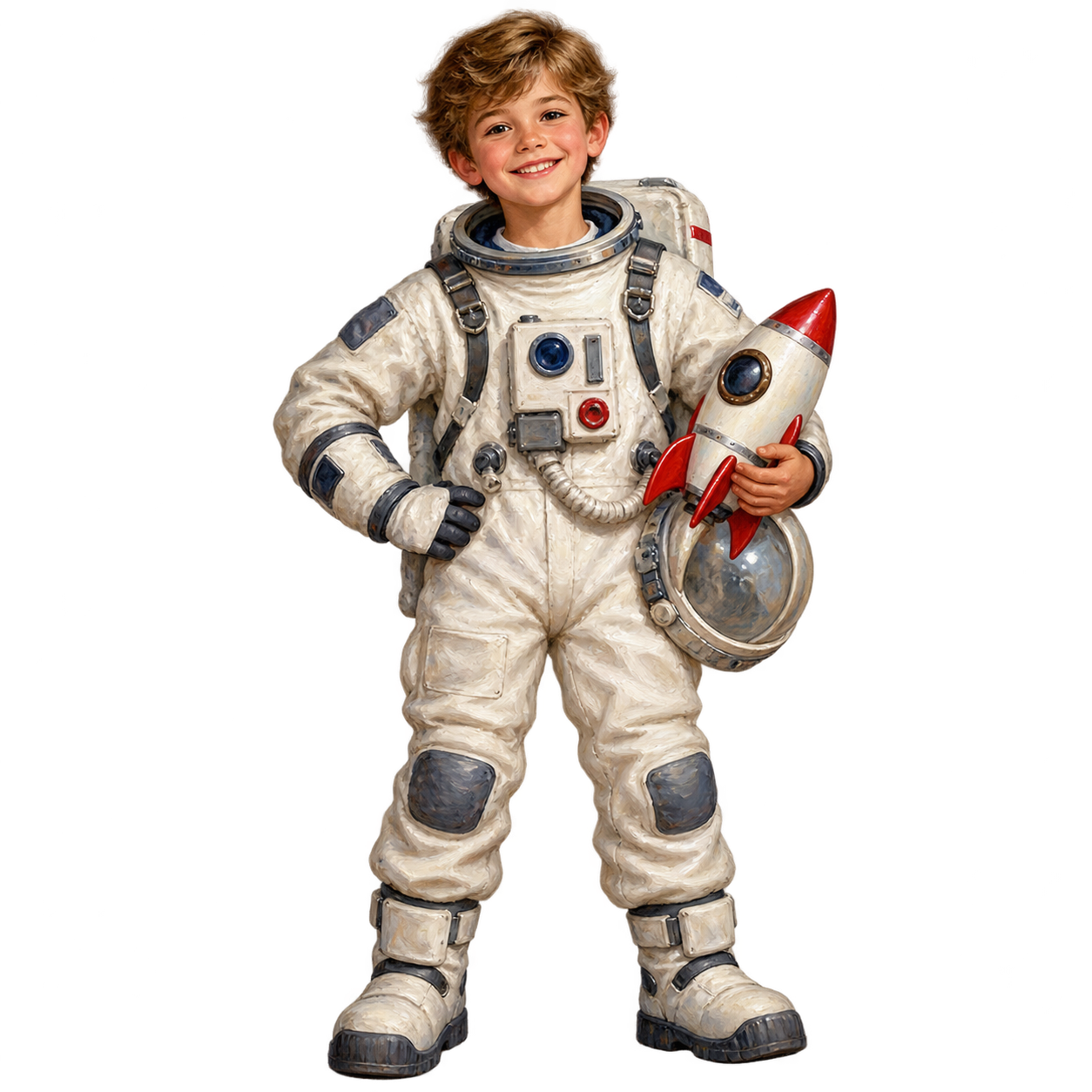 Subject Reference
A child in an imaginary white astronaut costume with blue gloves and a round helmet, waving one hand, full body, no agency logos, white background.
 Subject Reference
One round orange pumpkin lantern with a friendly smiling face and a curled stem, warm golden glow inside, no scary details, centered on white.
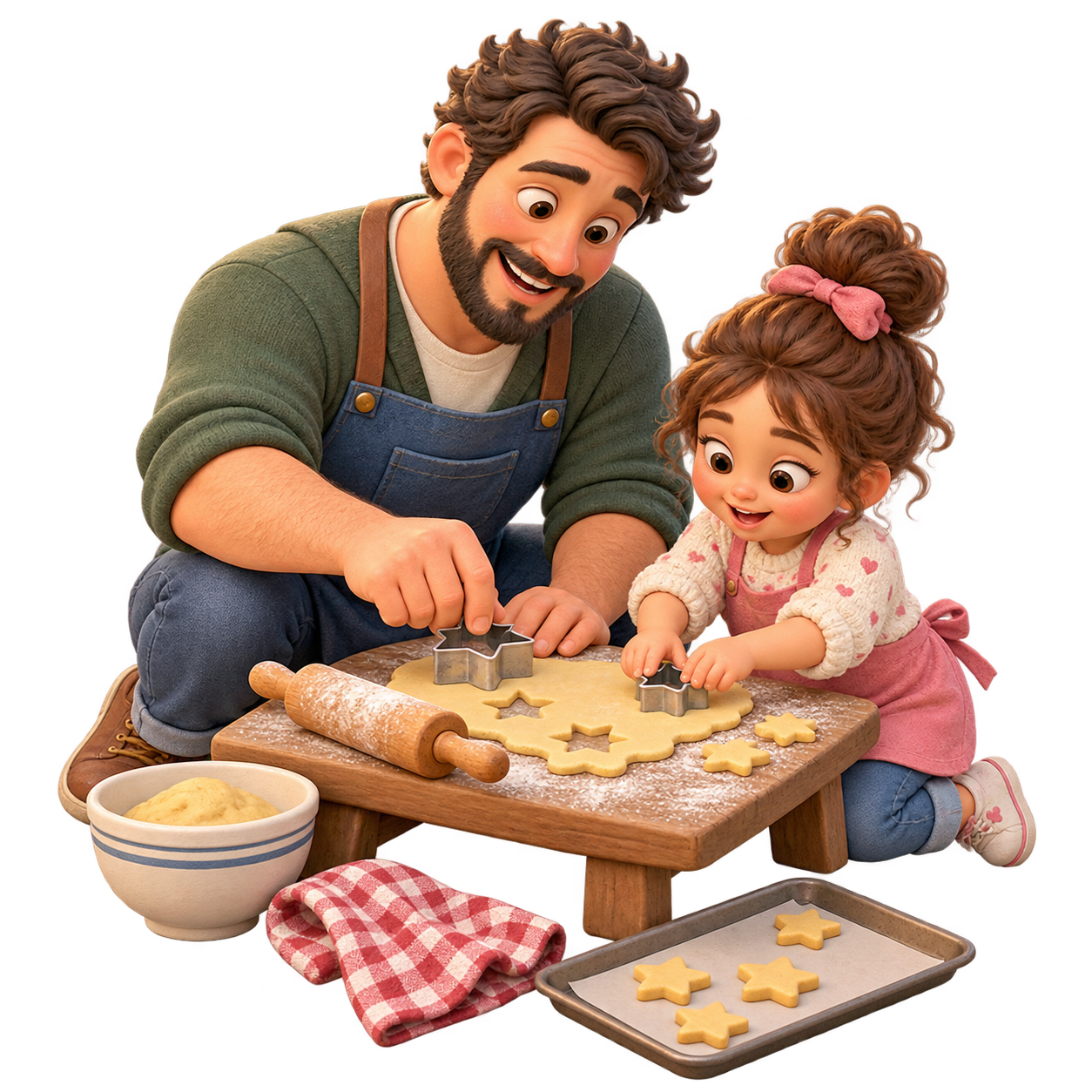 Subject Reference
A father and child making star-shaped cookies at a small kitchen table, a rolling pin and flour bowl beside them, warm expressions, complete figures on white.
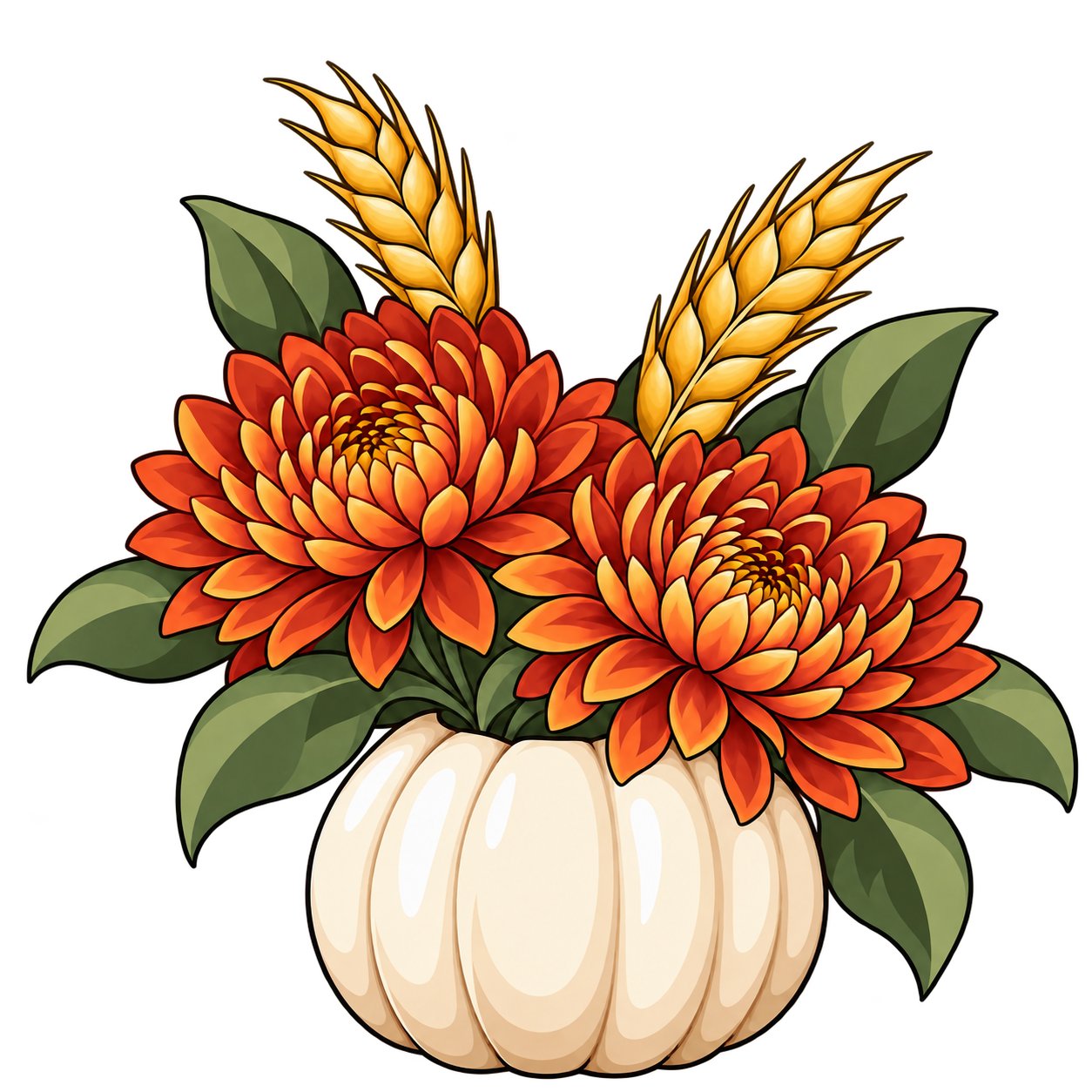 Subject Reference
Rust chrysanthemums, small golden flowers and wheat stems arranged in a pale hollow pumpkin vase, compact bouquet, isolated on white.
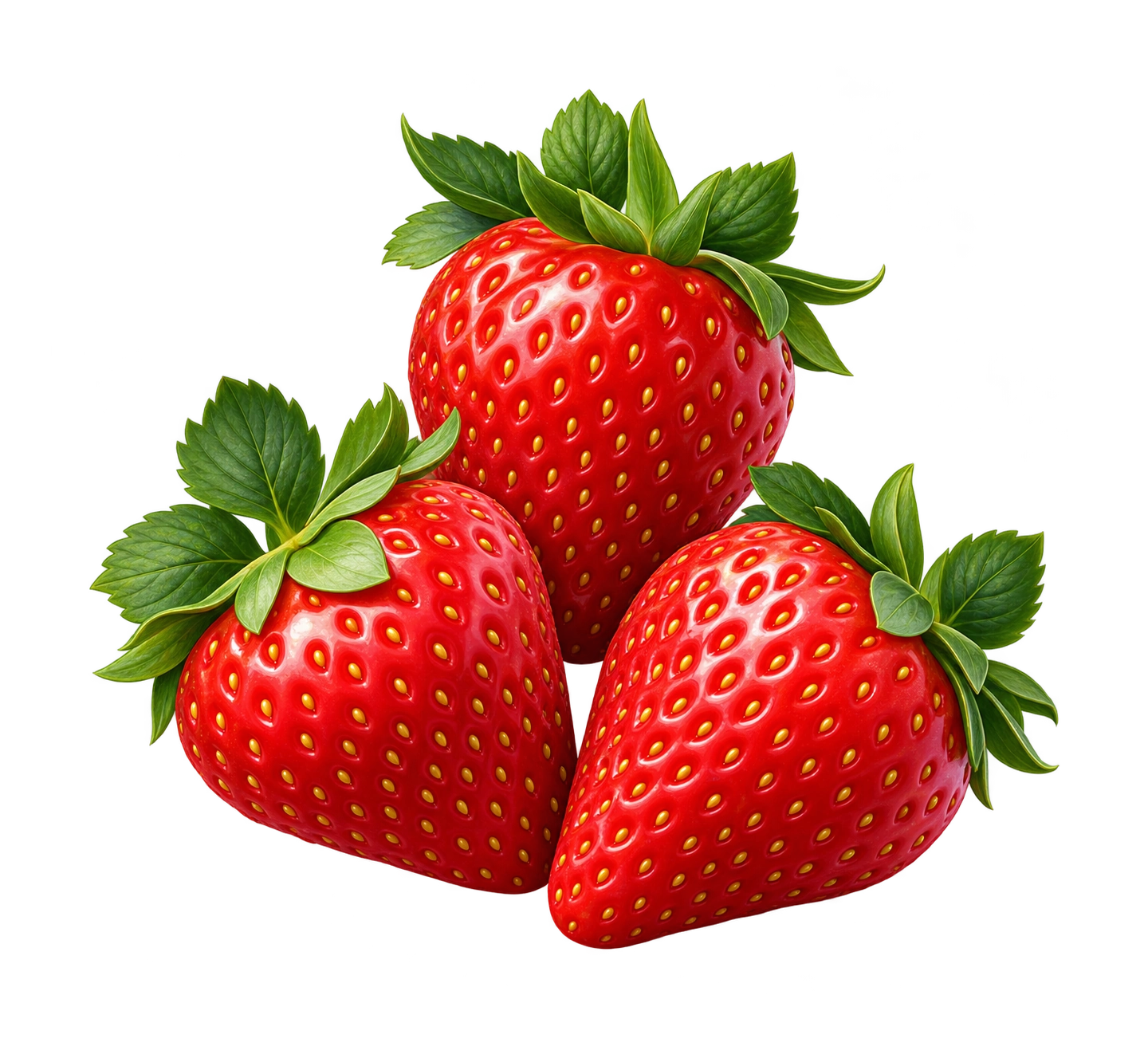 Subject Reference
Three ripe red strawberries with fresh green leaves, one berry cut in half to show the inside, soft natural shading, isolated on white.
 Subject Reference
Four hardcover books stacked at slightly different angles, blue, yellow, coral and green covers, a ribbon bookmark, no writing, isolated on white.
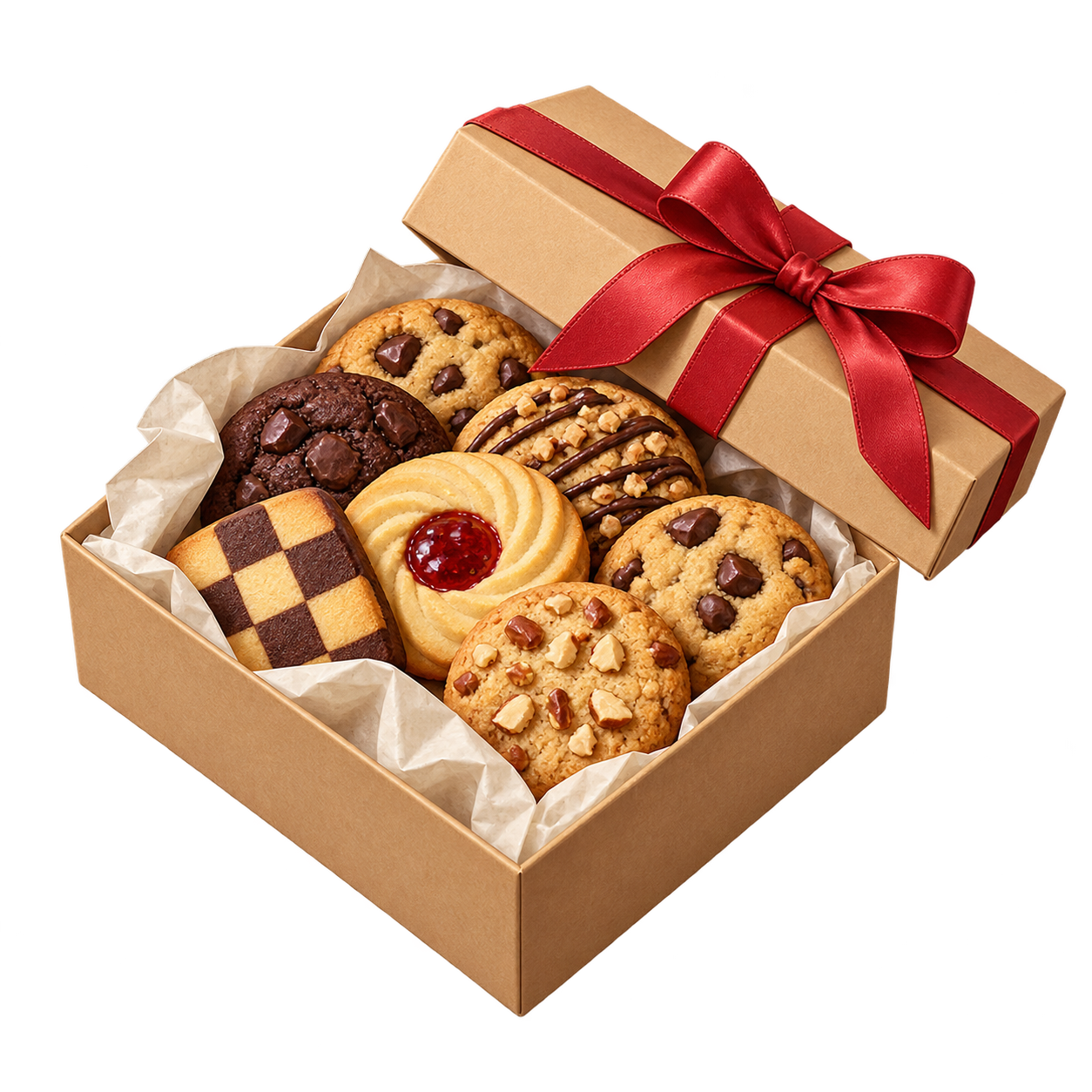 Subject Reference
An open gift box of neatly arranged iced cookies, a wide blue ribbon tied around the box, soft shadows, no words, centered on white.
 Subject Reference
A pair of red knitted mittens joined by a loose cord, simple cream snowflake pattern, soft wool texture, no lettering, isolated on white.
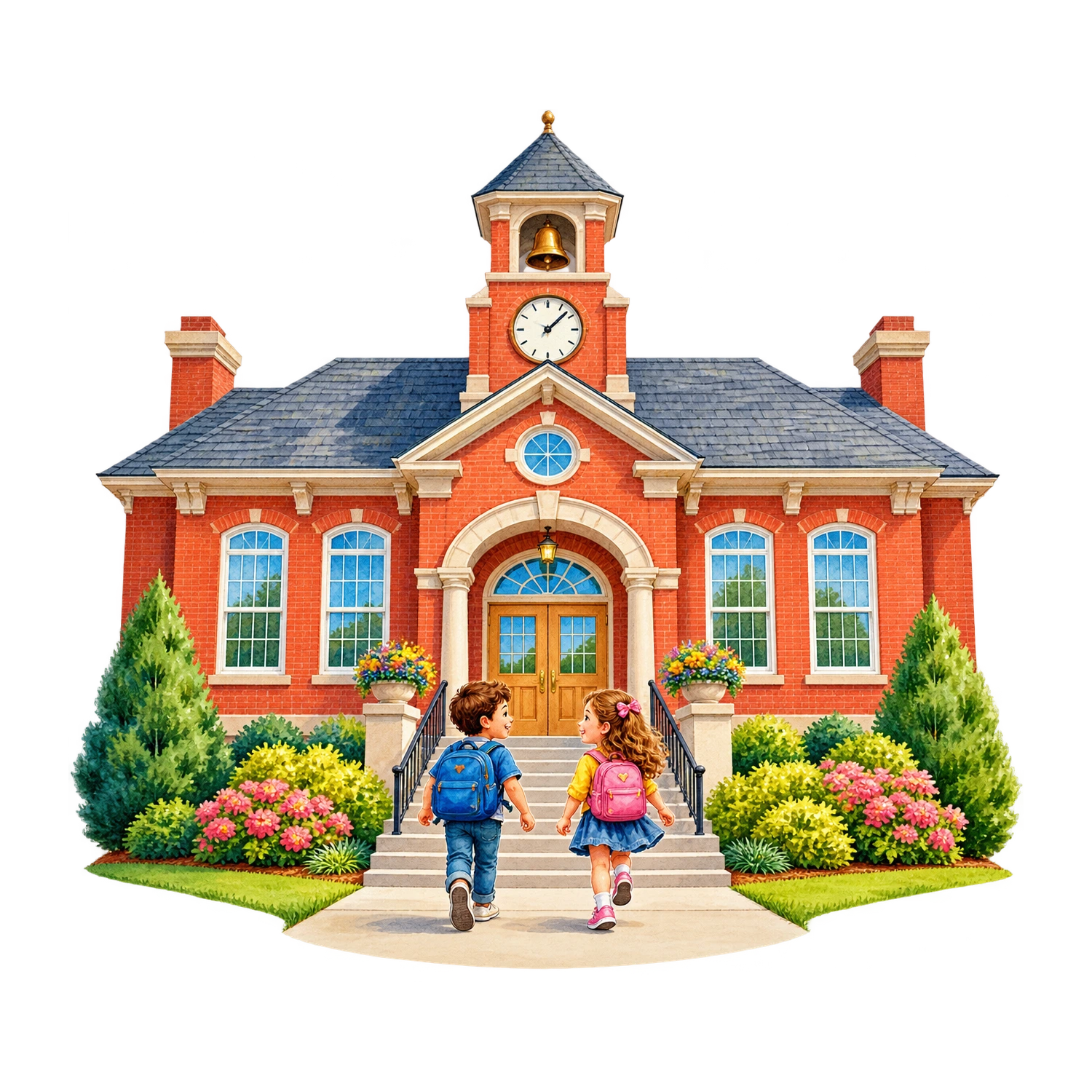 Subject Reference
A small red-brick school building with a blue front door, six windows and two leafy shrubs, straight-on view, no sign or writing, white background.
 Subject Reference
A gold trophy cup on a small navy base with two blue ribbons, polished highlights, blank plaque, centered on white.
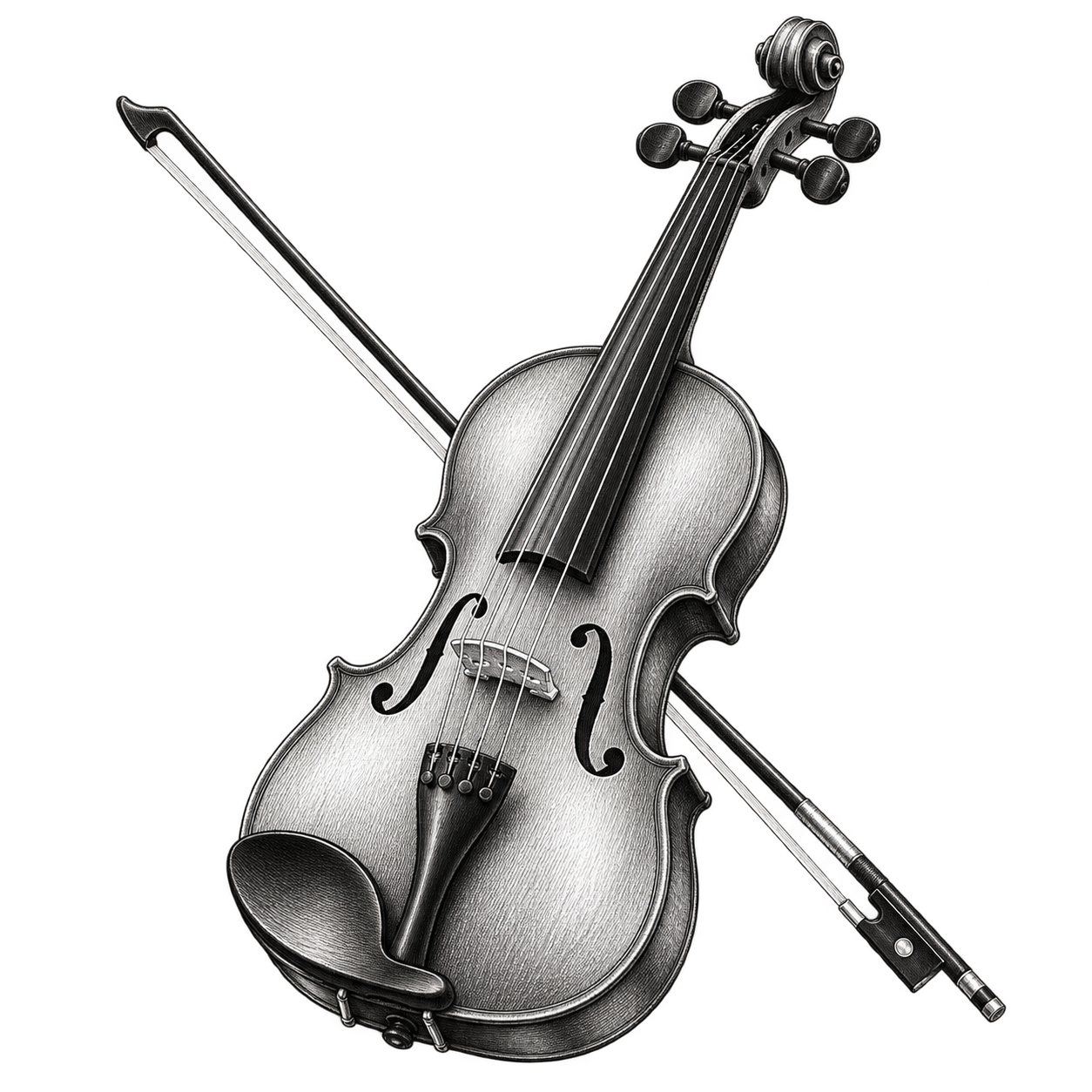 Subject Reference
A wooden violin beside its bow, fine black engraved linework, clear strings and curved body, isolated on white with generous margins.
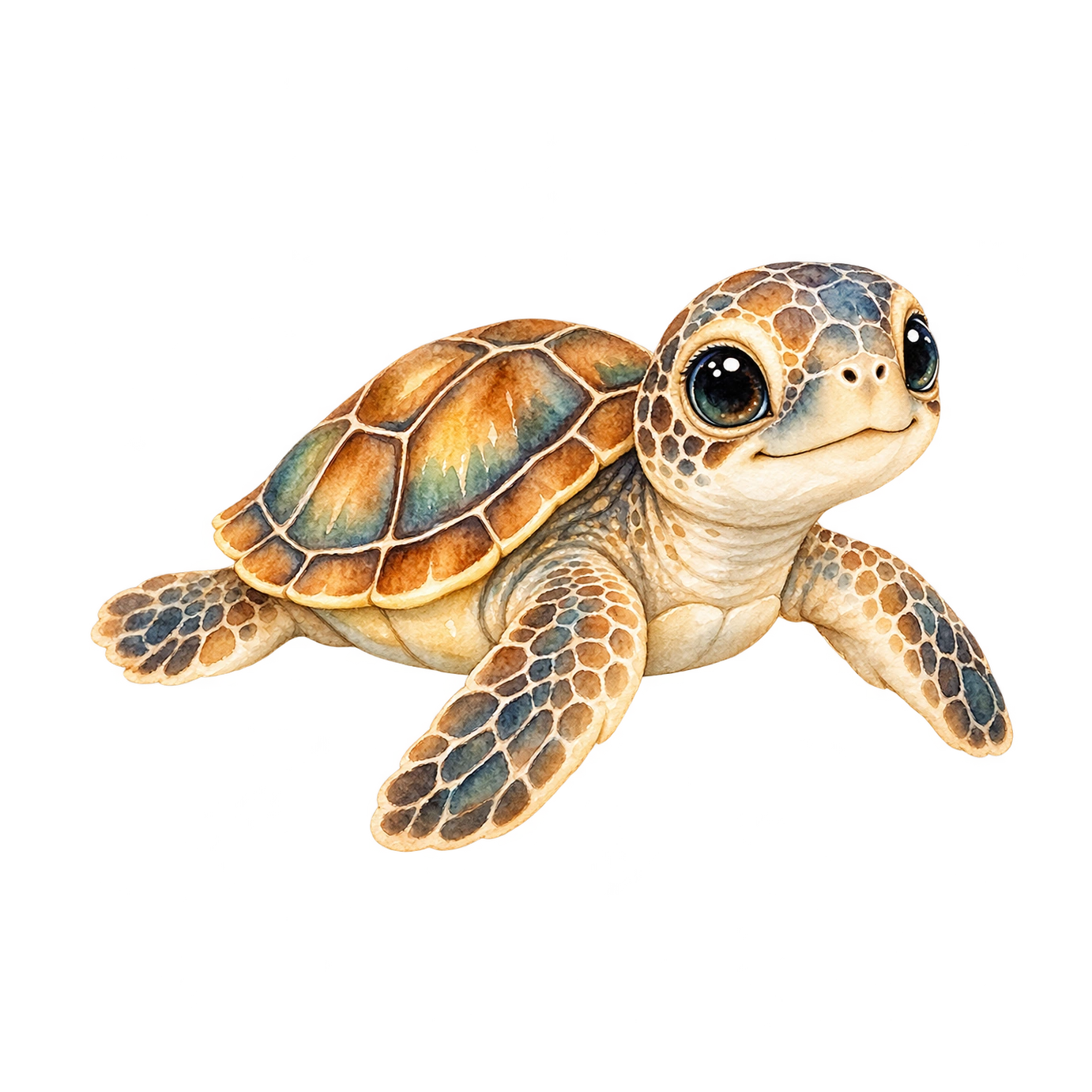 Subject Reference
A tiny sea turtle with a sage-green shell, large gentle eyes and four rounded flippers, top three-quarter view, centered on white.
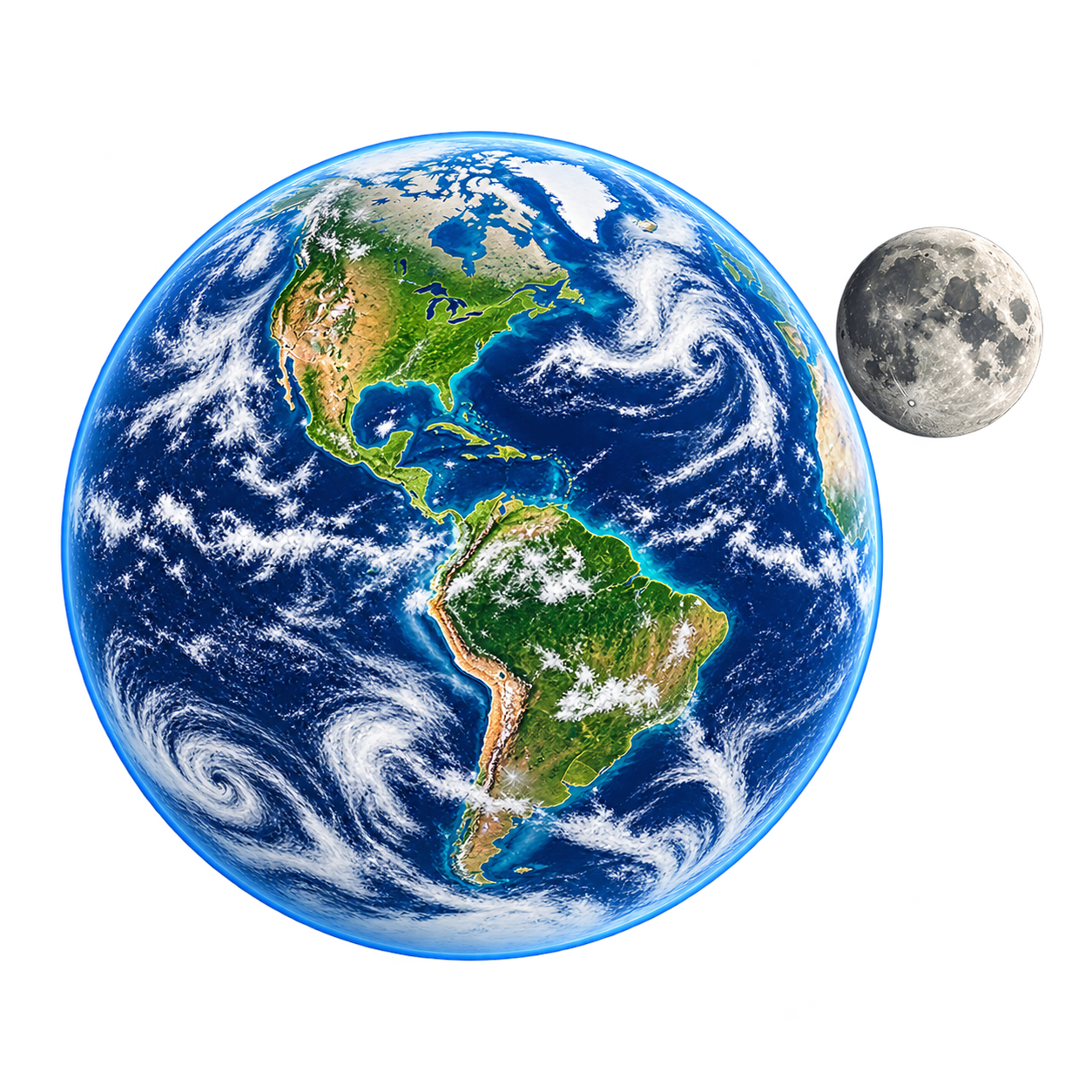 Subject Reference
A blue and green Earth globe beside a smaller gray Moon, clearly separated circular shapes, simple educational illustration, no labels, clean white background.
 Subject Reference
A tiny wooden cabin with snow on its pitched roof, warm amber windows and two pine trees behind it, compact winter vignette isolated on white.
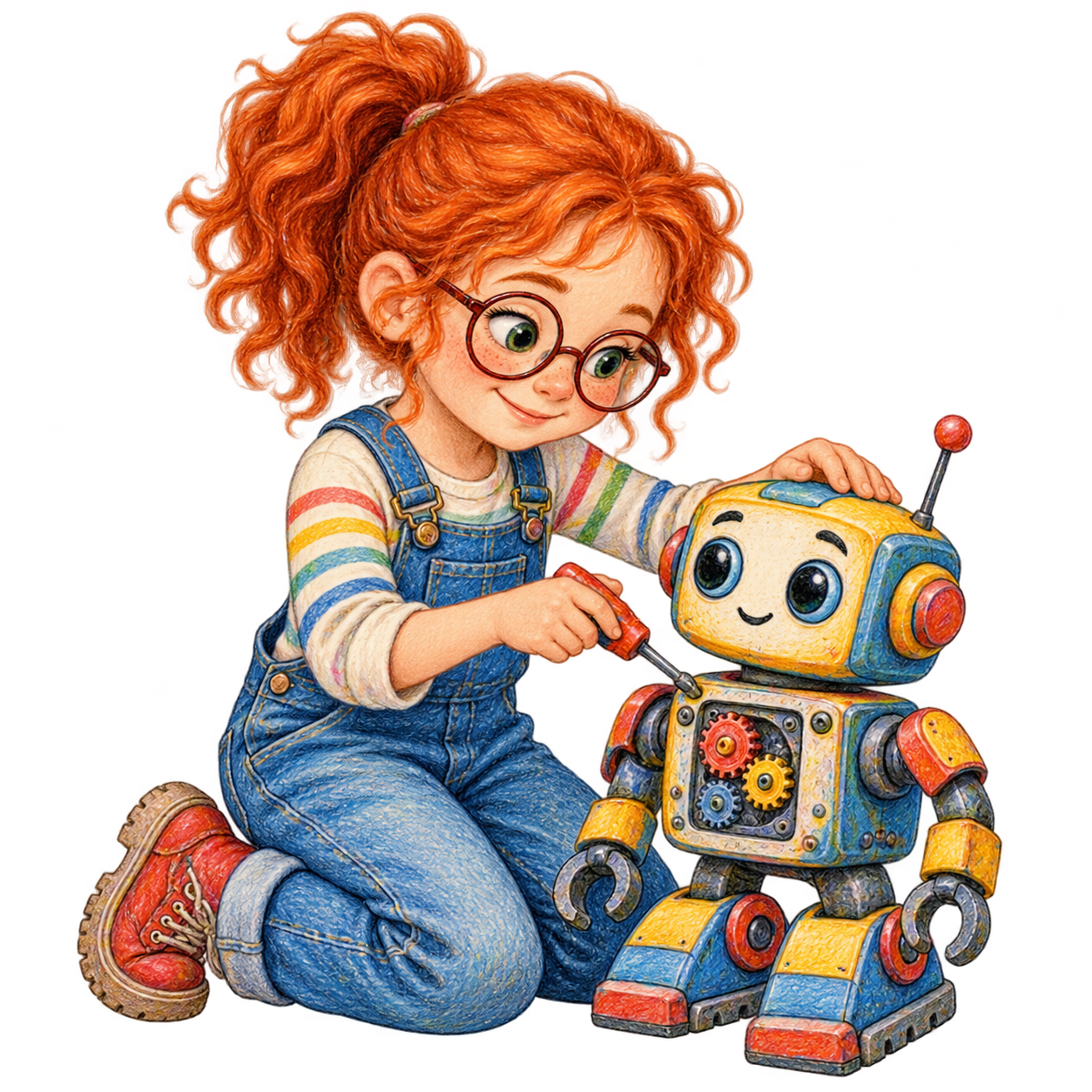 Subject Reference
A girl in overalls assembling a small toy robot, seated beside a few colorful building pieces, full body, cheerful face, clean white background.
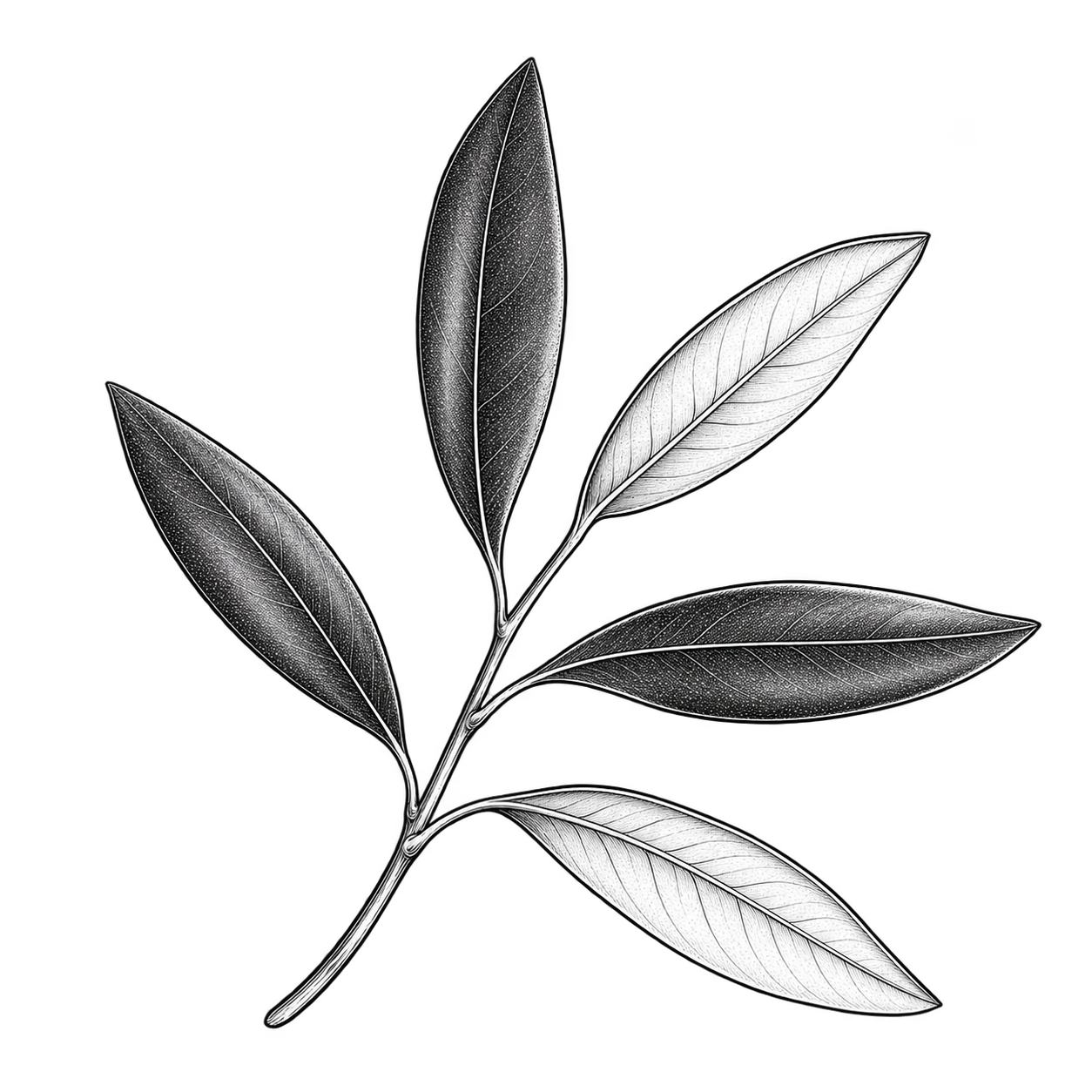 Subject Reference
A single curved olive branch with narrow leaves and a few small olives, fine black ink marks, no color, generous white space.
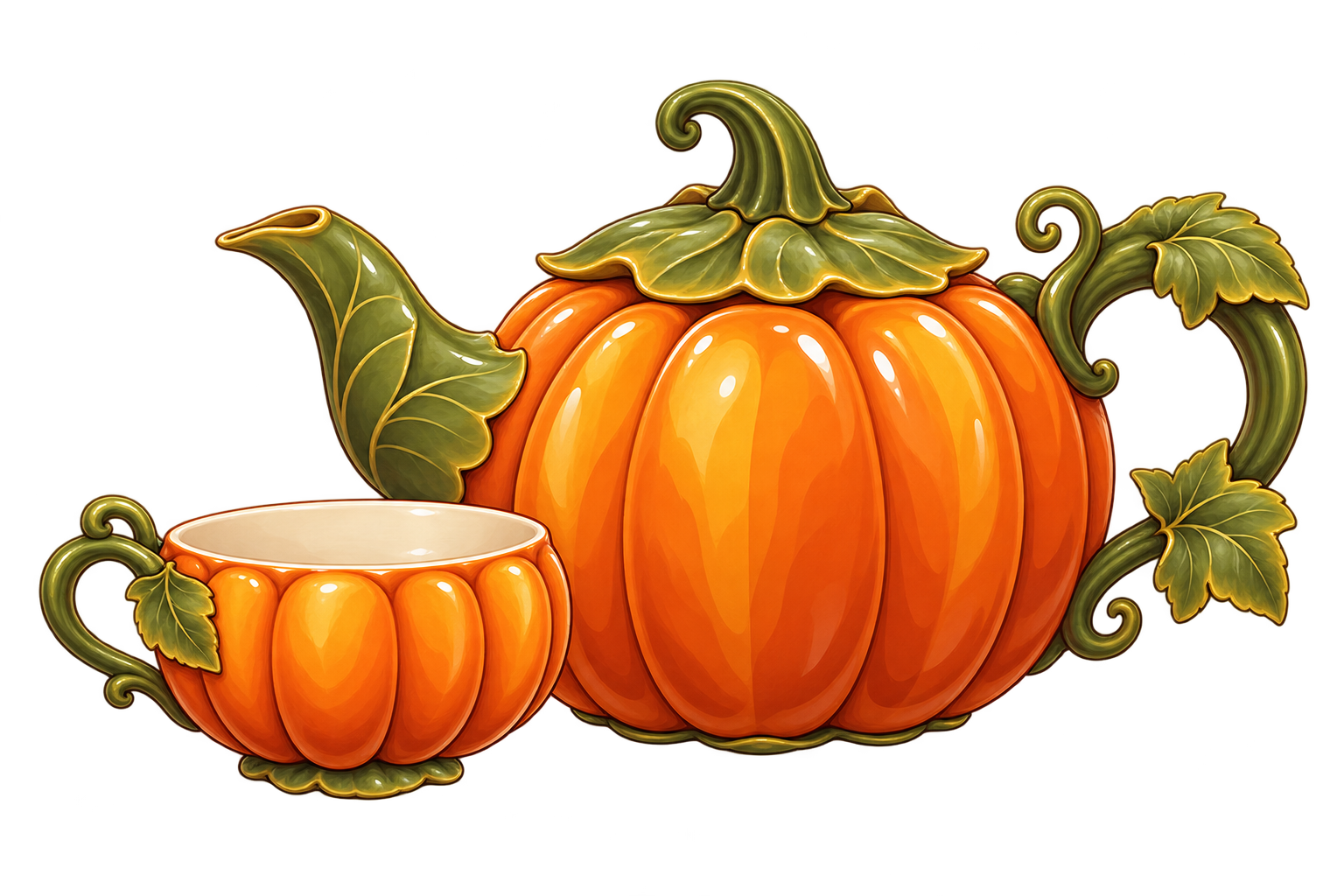 Subject Reference
A rounded orange pumpkin-shaped ceramic teapot with a green leaf-shaped lid, curved handle and small spout, three-quarter view on white.
 Subject Reference
Two children in safety goggles observing a small plant beside a magnifying glass and a beaker of clear water, welcoming classroom illustration on white.
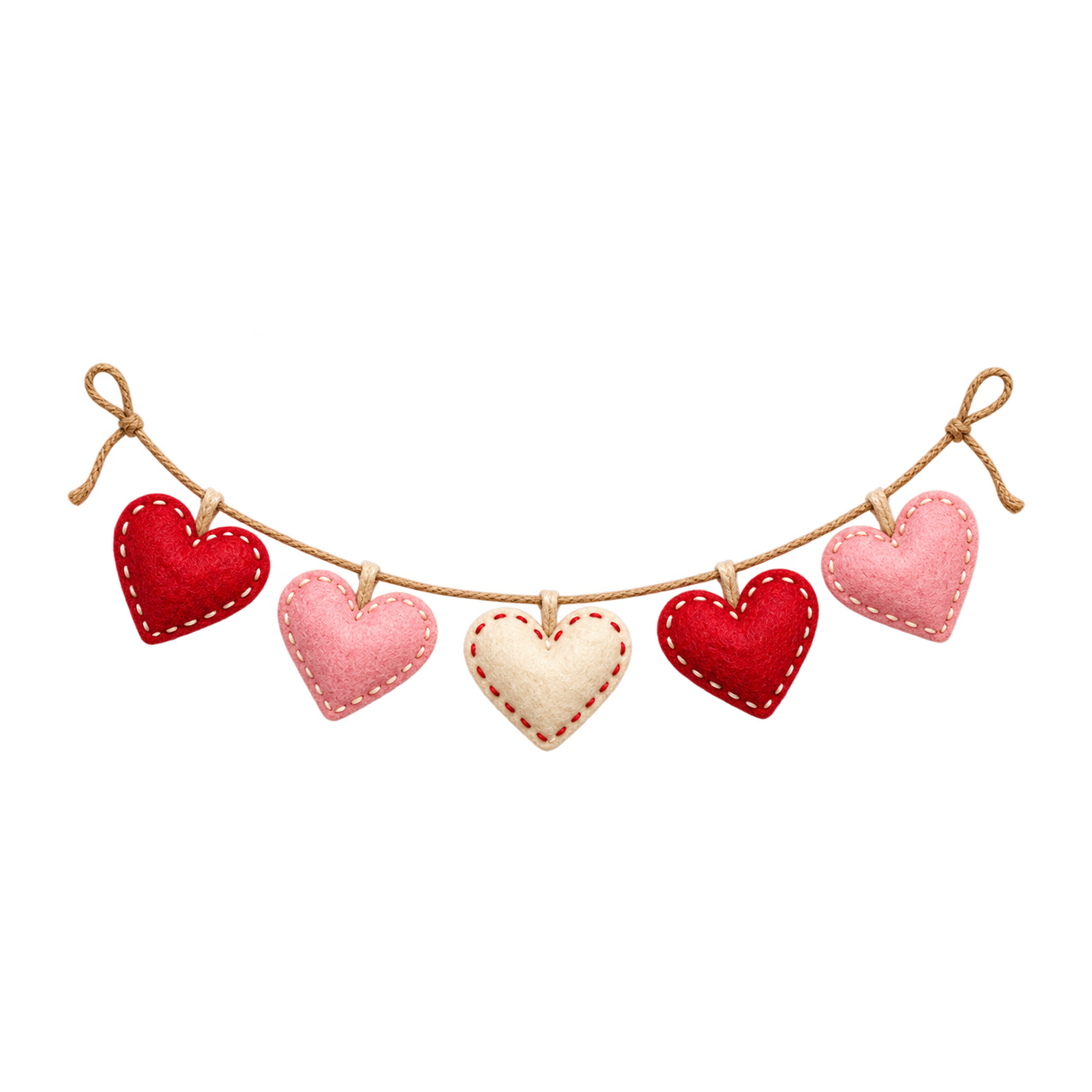 Subject Reference
A gently curved string of alternating pink and red paper hearts, small bows at both ends, layered paper texture, no text, isolated on white.
 Subject Reference
An open cream envelope with a blank folded letter and a small red heart seal, delicate paper texture, no handwriting, isolated on white.
 Subject Reference
One palm tree growing on a small sandy island with a blue curved wave and a yellow sun, simple flat shapes, isolated on white.
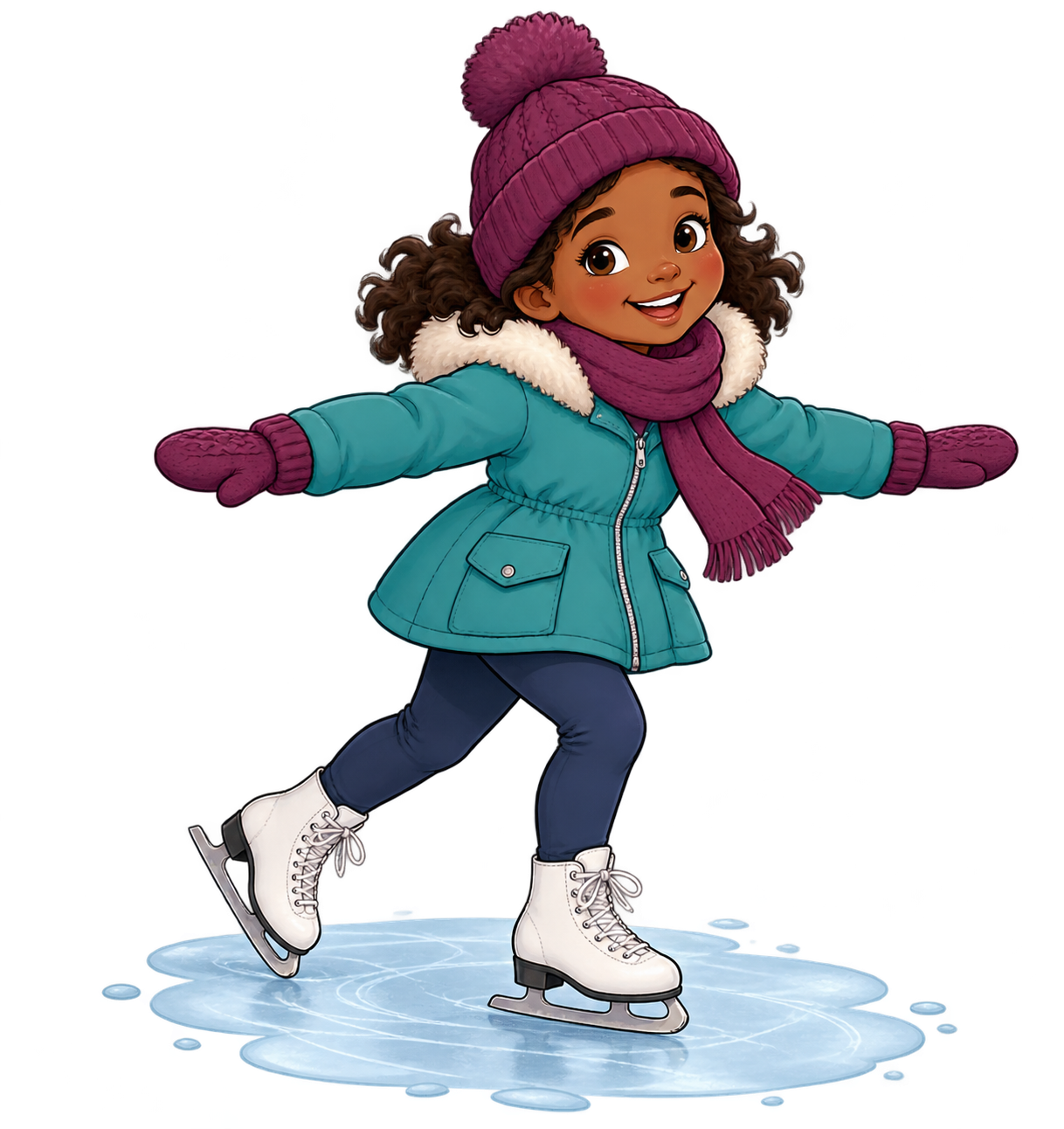 Subject Reference
A child wearing a red scarf and blue coat ice-skating with arms out for balance, cheerful face, full body, a tiny ice patch on white.
 Subject Reference
One smiling blue musical note with little arms and rounded shoes, friendly face, bold simple shapes, no lettering, centered on white.
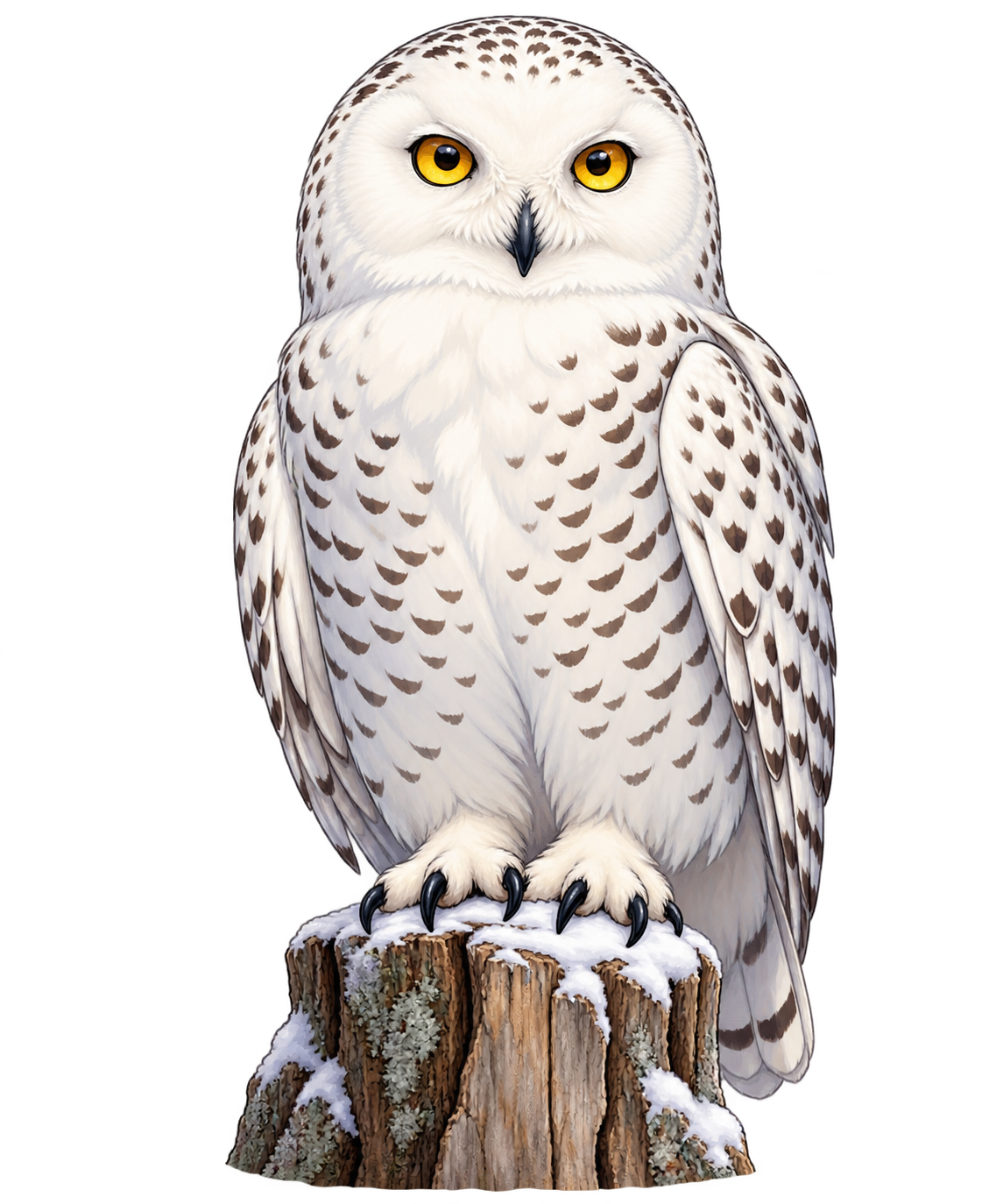 Subject Reference
A white snowy owl perched on a short wooden stump, fine feather markings and bright yellow eyes, complete subject with clear black outlines for coloring, white background.
 Subject Reference
An open storybook with small golden stars rising above its pages, blue and cream paper layers, blank pages, a compact magical vignette on white.
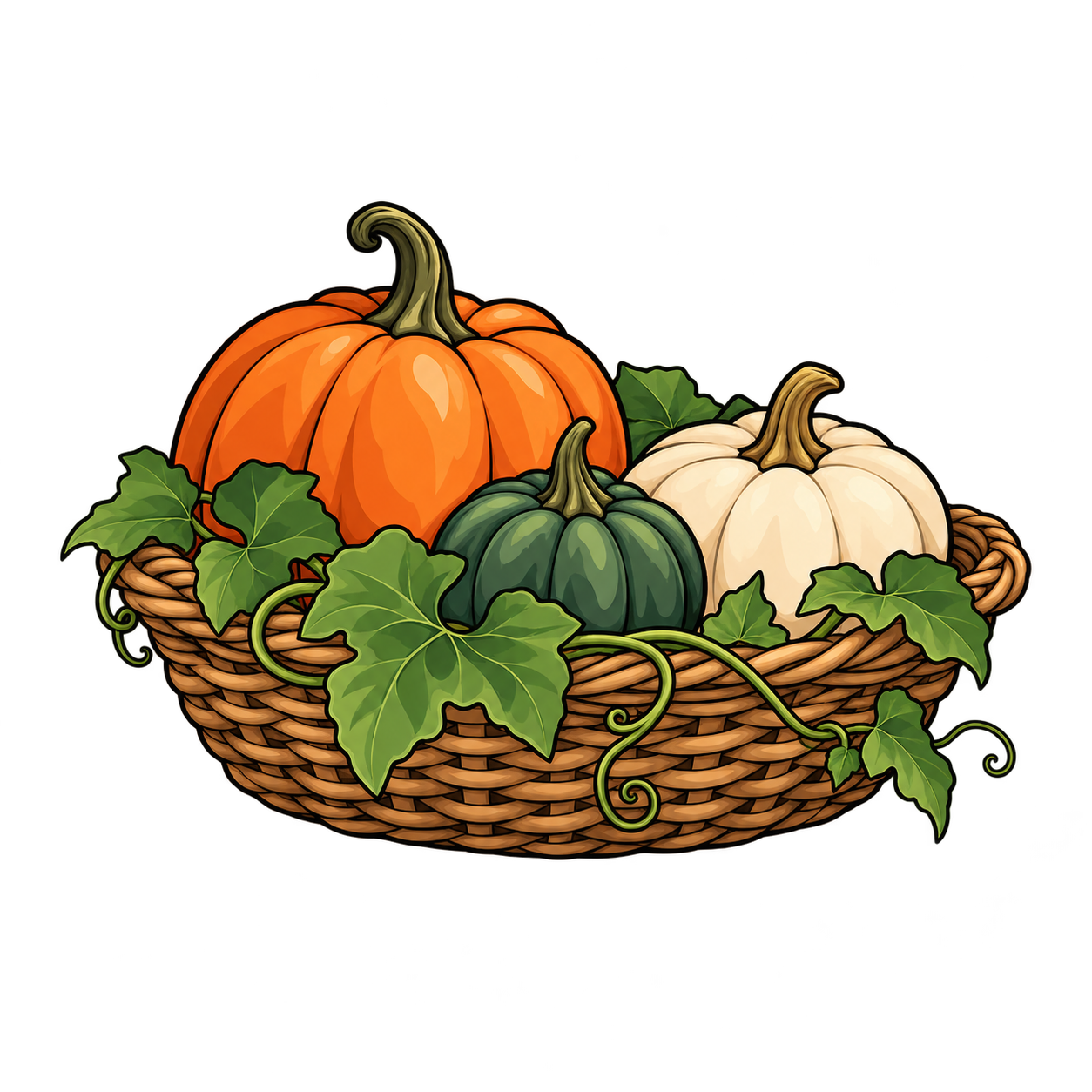 Subject Reference
A woven basket holding a small pumpkin, red apples and golden autumn leaves, soft natural texture, fully visible with room around it on white.
No examples match. Try a shorter word or choose All Ideas.
Choosing an example only fills your description. It uses no generation allowance until you press Create My Clipart.
Go from a written idea to an image you can refine and use in a design. The library pictures below illustrate subjects and styles; they are not results generated by these instructions.
Name the subject, describe its pose or action, and add the colors and details that matter. Ask for the complete subject with space around it when you need an image for a card, worksheet or sticker.
“A green fern frond, fully visible on a plain white background.”Describe Your Idea

Choose a visual style before generating, then check the pose, small details and any lettering in the result. Refine your description when the image needs a different composition.
Local controls let you compare edits with the original, crop the image or remove a simple white background. Fine edges and white subjects need careful inspection.
Explore Prompt Ideas & Subjects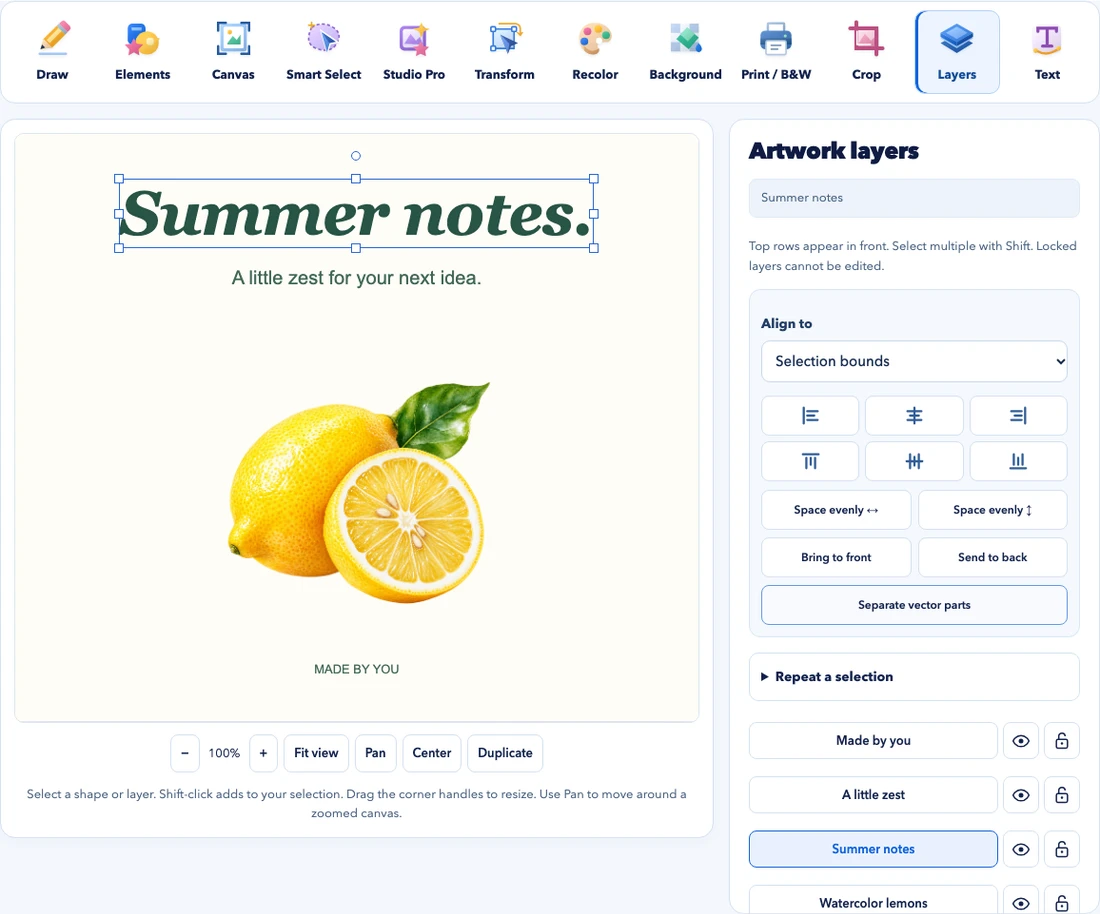
Download your generated WebP image, or continue in Clipart Studio to add editable text, arrange pictures and shapes, and prepare a printable PDF.
Keep an editable project when you want to return to its layers. Choose an image for a digital project and check the page size and margins before printing.
Compare Image, PDF & Project FilesStart with a subject, an action and a few visible details. Use the AI clipart generator to explore an animal, a flower, a celebration or an everyday object in your chosen style. The example library offers starting ideas; its catalog pictures are subject references, not a promise of the generated result. Adjust the description and inspect the image before using it in your project.
Download your generated image as WebP, refine a simple background or continue in Clipart Studio to add editable text, arrange layers and prepare a printable layout. The generated picture remains a raster image. Our project guides explain editing and printing, while ready made clipart gives you artwork to explore when you prefer an existing illustration. Daily generation limits and availability are shown in the builder.
Details about generation limits, editing, downloads and how your work is stored.
Explore ready-made clipart →Yes. Each visitor can request up to two images per day while the shared daily capacity remains available. One click requests one image. There is no paid fallback. Limits reset at midnight UTC; your local reset time is shown above. Editing and downloading existing work do not use generation capacity.
Open your result in Clipart Studio to recolor selected regions, refine masks, add editable text, arrange layers and create stickers. The generated image starts as one raster image. Select a region and extract it as an independent image layer when you want to move that object separately.
The model creates a solid-background image. Remove white background clears light pixels connected to its edges and creates real transparency. Fur, pale subjects and complex backgrounds may need manual refinement with Smart Select in Studio. Preview the result before downloading.
Download a WebP here, or use Studio for a CMYK PDF and page layouts. Images are generated at 1024 × 1024 pixels. At 300 pixels per inch, that supports approximately 3.4 × 3.4 inches of native detail. Enlarging an image does not add detail. Studio checks its PDF size and print settings.
Your prompt goes to Cloudflare Workers AI to generate the image. Results and edits are saved only in this browser when local storage is available, for up to seven days and twelve images. They are not automatically published. Download a copy before clearing browser data. Read our privacy policy for request protection and usage records.
AI output is separate from our catalog artwork license. FLUX.1 schnell uses an Apache 2.0 model license; that does not guarantee exclusive rights or clearance for an output. Cloudflare service terms and third-party rights still apply. Avoid protected characters, logos and private personal information. Review our AI usage terms before publishing.
Describe the subject first, then the action, number of objects, colors and composition. Use specific visual details and leave space around the subject. The model can misunderstand counting, anatomy or lettering. Add precise wording as an editable text layer in Studio and inspect the image before using it.